Go back
5 Reasons Why Framer 3.0 is the Easiest Way to Launch a Site You're Proud Of
Written by Veronica G.
15 min read

Every business needs a website, and most owners hit the same wall when they try to build one. There are usually two options, go with a custom design which costs thousands and takes weeks or even months to deliver. Or the affordable drag-and-drop route which is faster, but looks cheap and lacks personality. So you either bite the bullet or you settle for a site that looks mediocre.
This is where Framer comes to the rescue, an easy vision to launch website builder. And with yesterday's update, Framer 3.0, the building part got even easier. So what is Framer 3.0? Framer brought AI right onto the canvas. You describe the page you want in plain words and the Framer agent builds it for you. This gets you from idea to a published site with way fewer roadblocks.
Tools can only take you so far, though. The hardest part of building a website for most isn't building it, it's knowing where to begin and what to build. If the blank canvas is the thing that's been stopping you, here's the good news: you don't have to start from scratch. I've been a designer for 13 years, and I make Framer templates so businesses don't have to start from scratch and can launch faster. Nonetheless, here's the honest case for why it's the right platform for you and what the new update actually changes for your business.
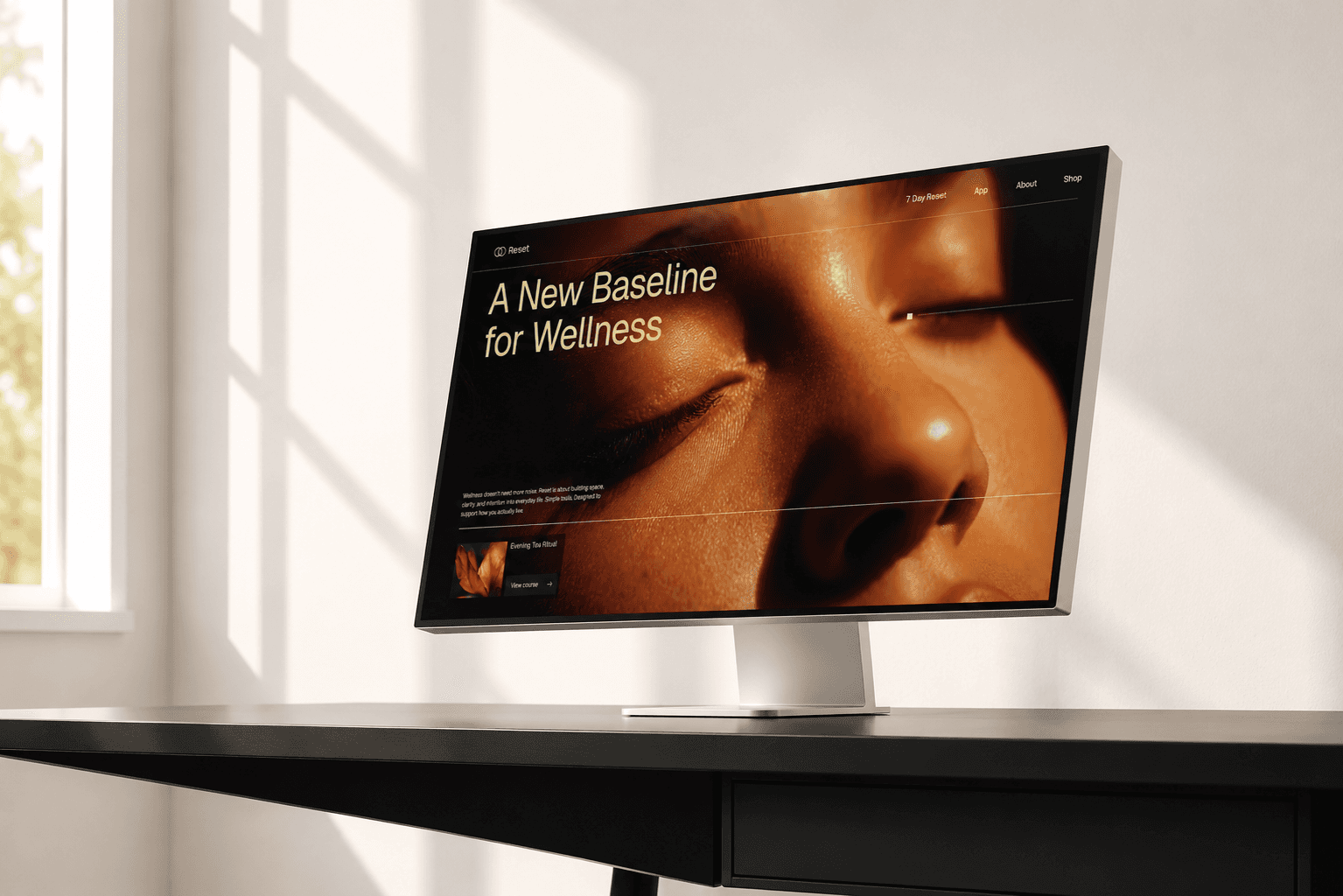
1. You skip the big bills
A custom website costs thousands because you're paying someone to design and code every piece by hand. Framer already took most of that cost off the table by simplifying the build process, but 3.0 provides access to those with no technical background. The content management system also got an update with 3.0, this means updating your blog, services list, menu, case studies etc is as simple as just a few prompts. No more tedious forms.
Describe what you want and the agent builds it, so you get a lot further on your own before you ever need to call in anyone.
2. You can experiment with ease
With Framer 3.0, there's a new safety net feature: Branching. It lets you make a copy of your site, change whatever you want on that copy, review it, and only push it live when you're happy. So when you (or an AI agent) make a bigger change, it can test it privately first.
3. Your website is built to actually get found
A beautiful website that loads slowly still loses customers and one that Google can't read properly never gets visitors. This is where Framer quietly does well. Framer handles your hosting, optimizes for speed, and gives you real control over the SEO basics: page titles, descriptions, clean URLs, the items that decide whether you show up when someone searches for what you sell. And with 3.0, you can optimize your site with a few simple prompts.
For a small business, that's the difference between a site that just exists and a site that brings in enquiries.
4. Your site won't fall apart on a phone
Most people will see your website on their phone, not a laptop. For a lot of small businesses that's the majority of their visitors, since people search on the go. So the mobile design isn't a nice-to-have, it's a must.
And that's the part that's been a pain: getting a site to look right on every screen size is tedious work. You build something clean on your laptop, open it on your phone, and the text is spilling over, an image is blown up too big, a button is hanging off the edge. That's the fiddly, technical stuff most owners have no interest in wrestling with.
Framer 3.0 agents fixes this by reworking layouts for smaller screens for you with a simple prompt.
5. You don't have to start from a blank page
Here's the catch, there a couple of things I need to be clear on. AI runs on credits which means it'll still cost you if you're trying to have it to build out every section. And also, AI won't teach you design taste and what looks good.
Here's the shortcut most people miss. Everything above is easier when you don't start from zero.
A template gives you a well-designed foundation: the structure, the spacing, the type, the decisions that take a trained eye, already made. You drop in your text and images, and you're most of the way there. With 3.0's new tools, customizing that foundation to fit your business is faster than it's ever been.
The fastest path to a site that doesn't look generic
I build the templates that don't look like templates. They're made by a designer, for business owners who want to launch something that looks considered. If you've been putting off your website because custom felt too expensive and the cheap route felt too generic, this is the version where neither is true anymore.