Launch pricing · Grab your template before prices go up.Launch pricing is here.Shop templates
All themes

Website theme for Marketing Ramp Studio Theme

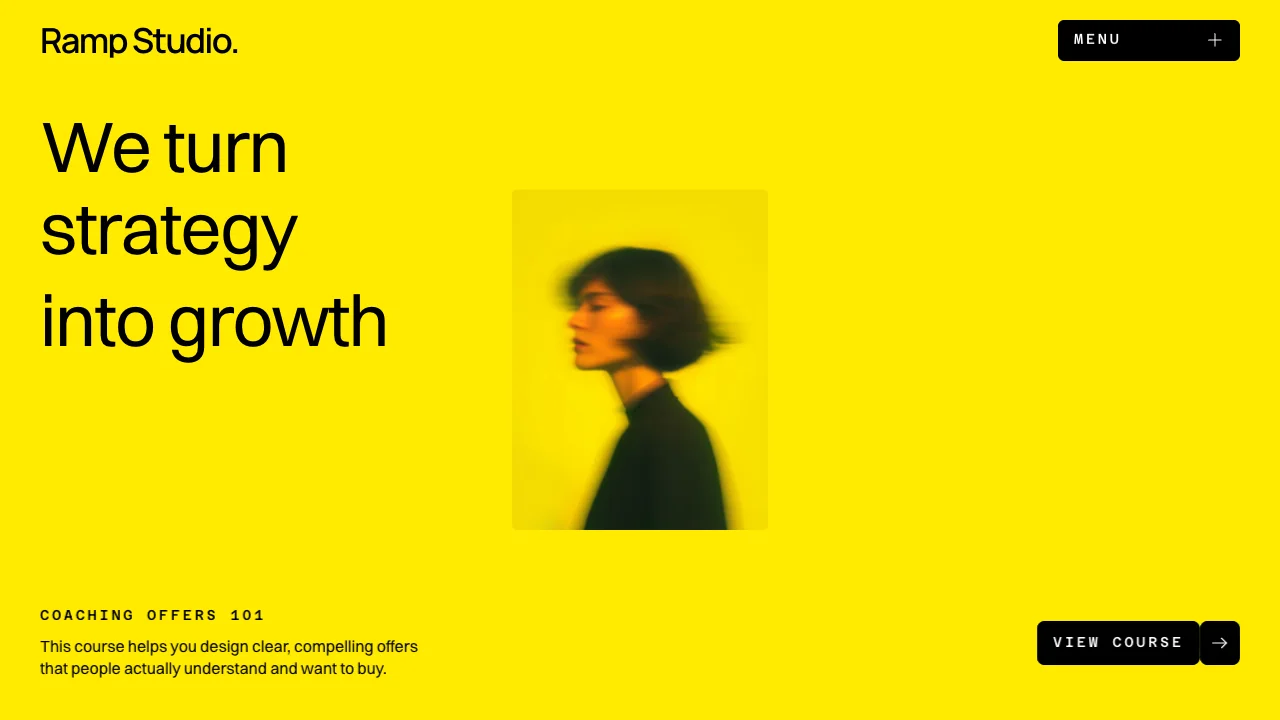
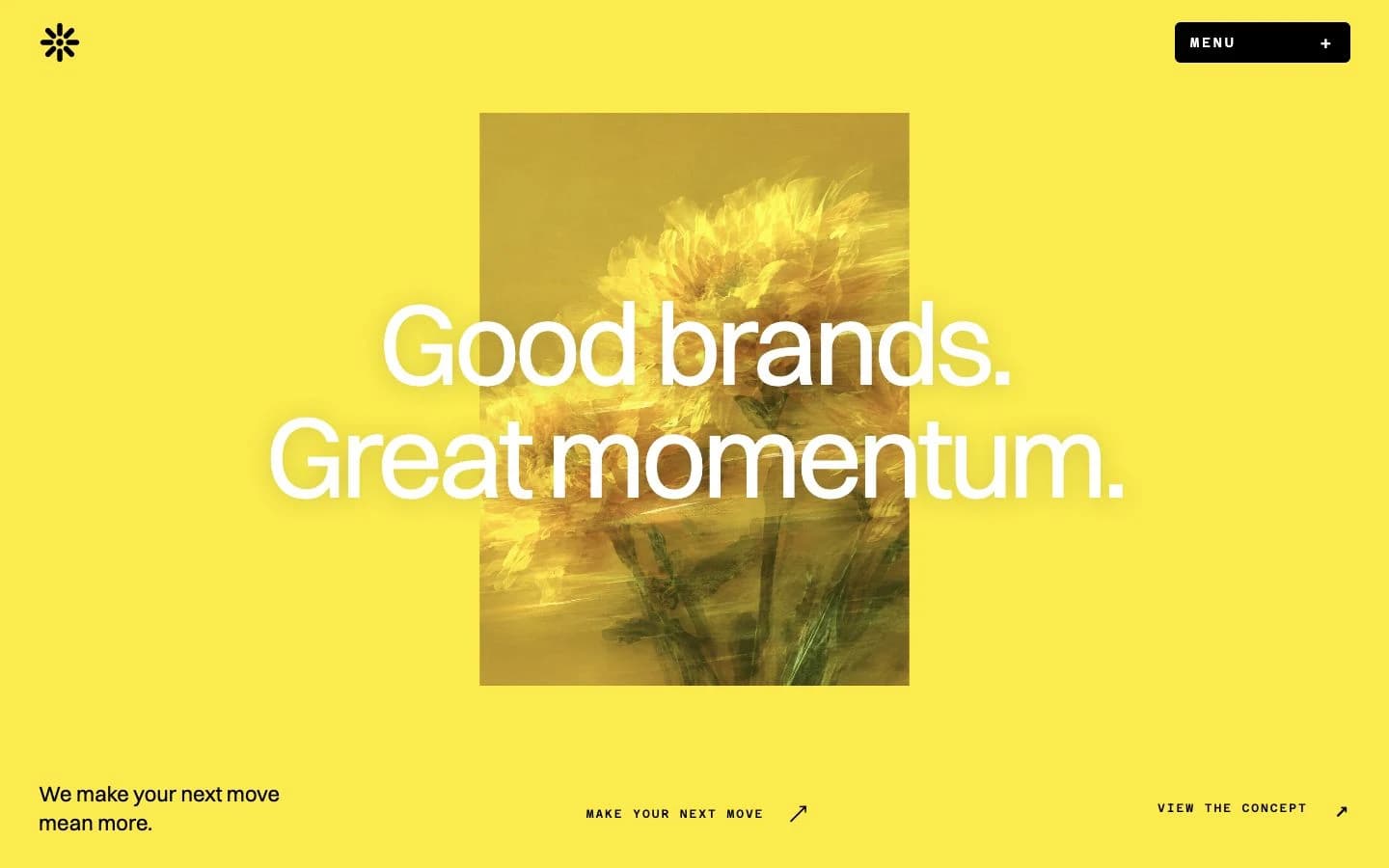
A marketing website theme with bold yellow, oversized typography, and portrait imagery. Includes design guidelines and image prompts for building with AI.

See what's possible

What you receive

  • Theme · .md

    Colours, typography, spacing, layout, and motion.

  • Image prompts · .md

    Prompts to create images with a matching look and feel.

DESIGN.md

Ramp Studio Theme

A high-energy yellow opening gives way to clear white sections. Oversized black type, sharp graphic shapes, and candid portraits make marketing feel approachable and direct.

01 — Foundations

Colour palette

  • Black

    #000000

    Headlines, wordmark and primary buttons.

  • Soft white

    #FAFAFA

    Quiet panels and disabled controls.

  • Signal yellow

    #FFEA00

    The homepage opening, footer and course artwork.

  • Light grey

    #EBEBEB

    Fine rules and control outlines.

  • White

    #FFFFFF

    Main content sections and text on black buttons.

  • Muted copy

    #575757

    Secondary descriptions and supporting details.

02 — Foundations

Typography

Switzer for headings and body copy, Manrope for the wordmark, and Azeret Mono for uppercase labels and controls. Original desktop sizes are listed; samples scale to fit. The hero steps from 72px to 56px on tablet and 44px on phone. Labels use 0.2em tracking.

DisplaySwitzer · 72px / 400 / 1

We turn strategy into growth

Page titleSwitzer · 48px / 400 / 1.1

Practical marketing. Real momentum.

Section headingSwitzer · 40px / 400 / 1.2

Courses for Digital Creatives

BodySwitzer · 16px / 400 / 1.4

Learn the fundamentals of building a strong social media presence.

WordmarkManrope · 30px / 600 / 1

Ramp Studio.

Labels & buttonsAzeret Mono · 14px / 500 / 1.4

VIEW COURSE

03 — Components

Button variants

Rounded corners vary by control: 8px for the split primary link, 6px for the menu and carousel arrows, and 4px for disclosures. Button labels use Azeret Mono, 14px / 500, with 0.2em tracking.

Primary link

View course

Two joined black segments, each with 8px corners. A 40px arrow area.

Menu control

Menu

6px corners, 182 × 41px, and a fine plus icon.

Carousel controls

70px squares with 6px corners and a subtle grey outline.

Disclosure control

A compact plus in a 40px square with 4px corners.

Build your own website with this theme and launch faster.

See this theme in Ramp Studio.

See what's possible

Make it yours.

  1. Download your theme

    Save the design file and image prompts to your computer.

  2. Use the theme

    Give your AI builder the design file and describe your website.

  3. Create your images

    Use the image prompts in your favorite AI image tool.

  4. Bring it all together

    Bring the theme, image prompts, and your images into your favorite builder.

Read the full theme guide

FAQ

Who is this theme for?

Ramp Studio Theme is designed for marketing studios, educators, and creative businesses. Use it when you want design direction for your own page layouts, with consistent colours and typography.

What files are included?

You receive the theme guidelines and matching image prompts as downloadable text files. The guidelines cover colours, typography, spacing, layout, and motion. After purchase, download the files from My account.

The Ramp Studio website template already includes this theme, so you do not need to purchase both.

Can I use this theme with AI or Framer?

Yes. For vibe coding, give the guidelines to your AI website builder and describe what you want to create. In Framer or another visual editor, use the guidelines to apply the colours, fonts, and styling yourself. The theme provides design direction; a Framer Remix link comes with the matching website template. Read the theme guide.

Can I preview the theme before buying it?

Yes. This page shows the colour palette, typography, and button styles, along with examples in See what’s possible. You can view these public previews without signing up. The full guidelines and image-prompt files are delivered after purchase.

Which license do I need for a client website?

A theme purchased on its own covers one finished website for yourself, your business, or one client, including commercial use. Another independent website needs another theme license. When a theme comes with a paid template, it follows that template’s Personal or Commercial License: business promotion, monetization, and paid client work require Commercial. Read the Terms & Conditions for details.

Are hosting, my domain, and paid tools included?

No. Themes are a one-time purchase or a free download, as labelled. Your domain, hosting, paid AI or website-builder plans, and other services are separate. Use our website launch checklist when you are ready to publish.

Can I get a refund?

Digital product sales are final, except where a refund or other remedy is required by law. Review the previews, included files, and licence before buying. If your files are not delivered or do not match the description, contact us through the support route in the Terms & Conditions.