Launch pricing · Grab your template before prices go up.Launch pricing is here.Shop templates
All themes

Website theme for AI agencies Renaissance AI Theme

An AI agency website theme with classical imagery, editorial typography, and charcoal tones. Includes design guidelines and image prompts for vibe coding.

See what's possible

What you receive

  • Theme · .md

    Colours, typography, spacing, layout, and motion.

  • Image prompts · .md

    Prompts to create images with a matching look and feel.

DESIGN.md

Renaissance AI Theme

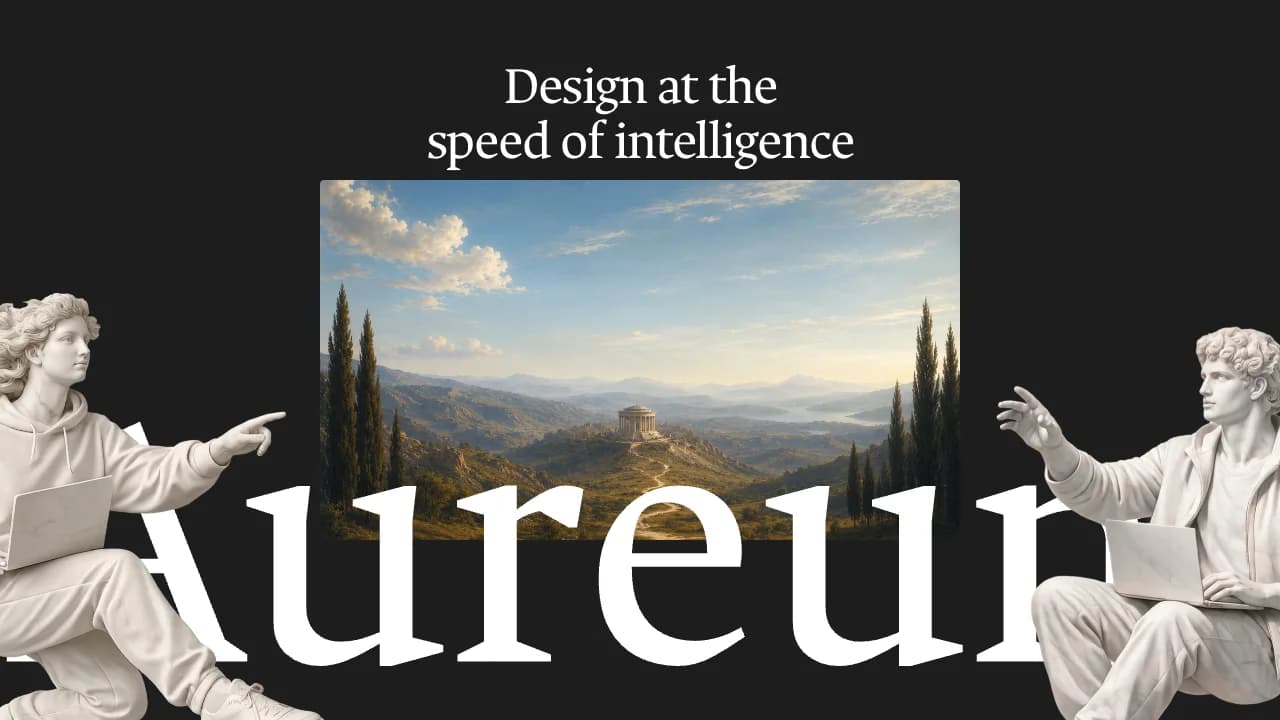
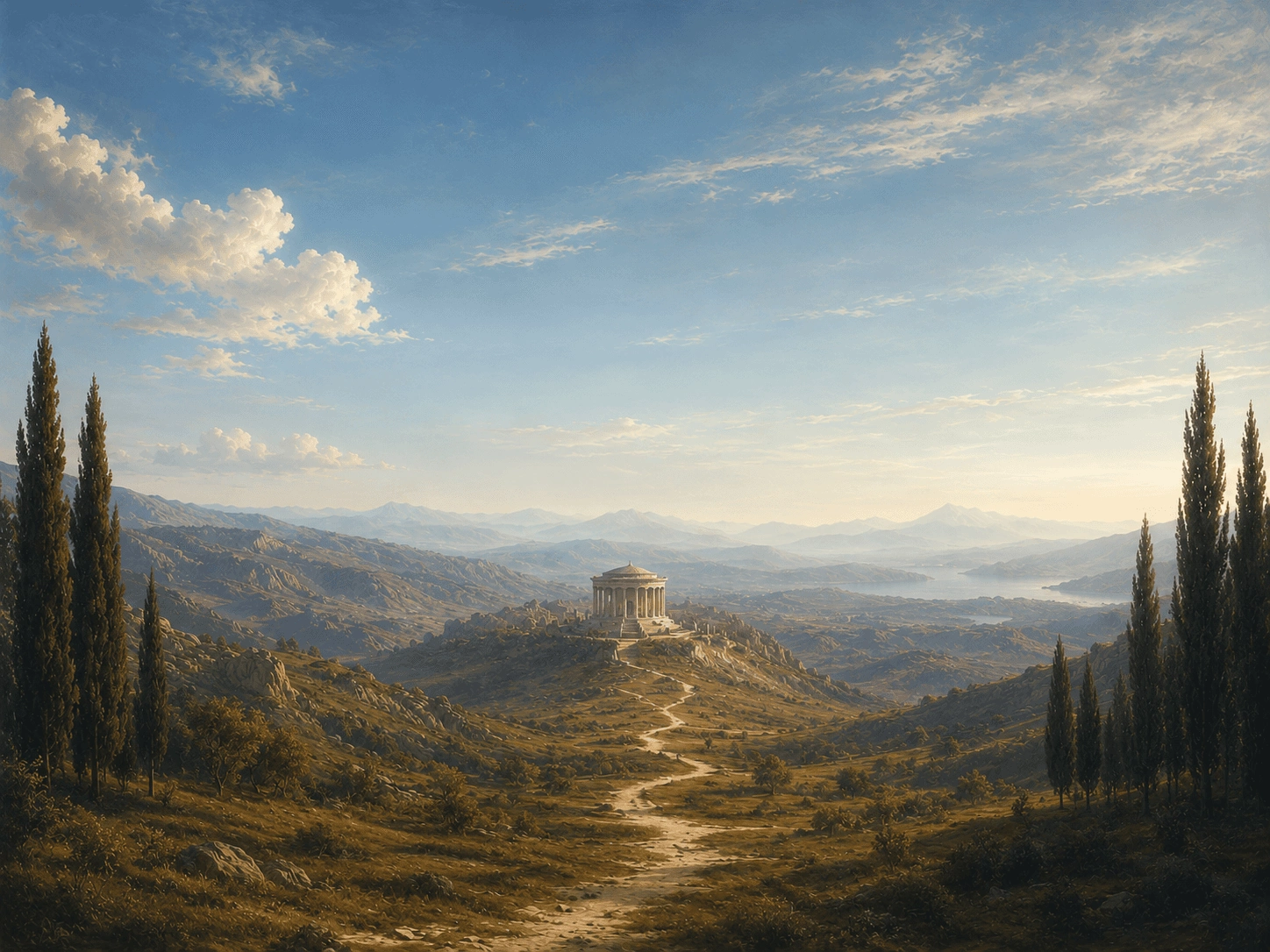
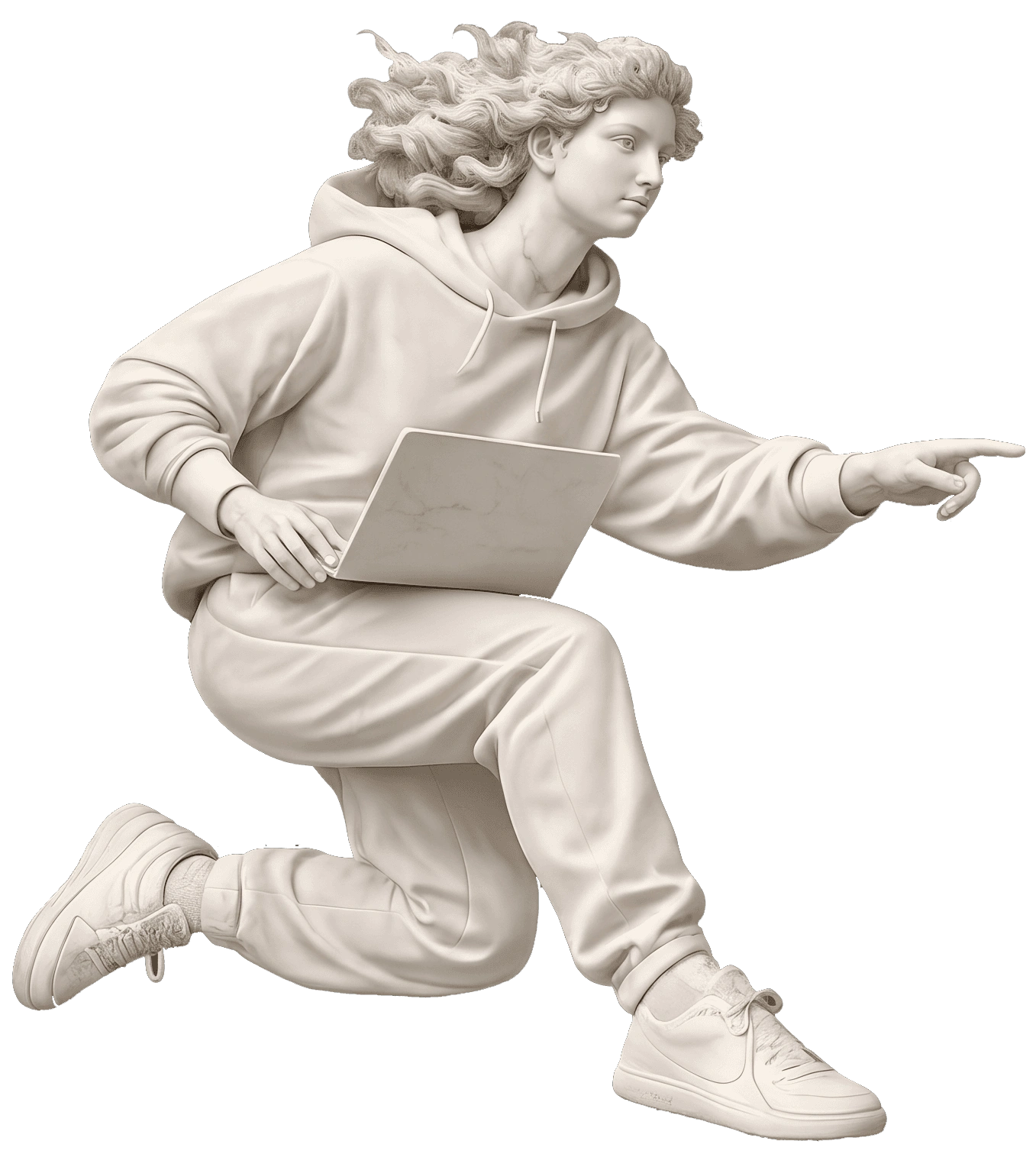
Classical sculpture and quiet landscape imagery meet digital systems. Expressive Ancizar Serif headlines contrast with modern TASA Orbiter reading text and pixel-like Bitcount labels on charcoal and pale stone surfaces.

01 — Foundations

Colour palette

  • Charcoal

    #1D1D1D

    The main dark canvas.

  • Stone

    #F3F1ED

    Light sections and open FAQ panels.

  • Powder blue

    #ACC0D2

    Disclosure controls and supporting panels.

  • White

    #FFFFFF

    Headings on charcoal, primary buttons and closed FAQ panels.

  • Black

    #000000

    Primary buttons on light surfaces and the form submit button.

  • Ink

    #0F0F0F

    Text and arrows on white buttons.

  • Muted text

    #949494

    Supporting copy on charcoal.

  • Dark reading text

    #4D4D4D

    Supporting copy on light backgrounds.

  • Pale yellow

    #FFFCE0

    The process panel.

  • Divider

    #E0E0E0

    Fine rules on light surfaces.

02 — Foundations

Typography

Ancizar Serif for major headings; TASA Orbiter for copy and navigation; Bitcount Grid Single for pixel-like labels. Noto Serif is used for statistics and Azeret Mono for secondary technical text. Original desktop sizes and tracking are listed; samples scale to fit. Page titles step from 55px to 46px on tablet and 36px on phone; section headings step from 45px to 38px.

Page titleAncizar Serif · 55px / 400 / 1 · -2px tracking

Design at the speed of intelligence

Section headingAncizar Serif · 45px / 400 / 1 · -2px tracking

Proof that better systems move faster

SubheadingTASA Orbiter · 32px / 500 / 1.1 · -2px tracking

Discovery & audit

BodyTASA Orbiter · 14px / 400 / 1.4 · 0px tracking

Automate the repetitive work. Keep the creative control.

NavigationTASA Orbiter · 14px / 400 / 1 · -1px tracking

Solutions · Use Case · Process · About

Button labelBitcount Grid Single · 12px / 500 / 1.4 · 1px tracking

BOOK A DEMO

Section labelBitcount Grid Single · 16px / 500 / 1.2 · 1px tracking

OUR IMPACT

StatisticNoto Serif · 80px / 400 / 1 · 0em tracking

70%

Secondary monoAzeret Mono · 14px / 400 / 1.6 · -0.02em tracking

WORKFLOW MAP

03 — Components

Button variants

8px corners and uppercase Bitcount Grid Single labels, 12px / 500, with 1px tracking. The primary link separates its text from a 40px arrow area. Hover over a primary sample to see the sliding arrow.
Primary on charcoal

Book a demo

White fill, 8px corners, and a separate 40px arrow area.

Primary on stone

Book a demo

The same compact shape in black, with white text.

Outline alternative

View our solutions

A 1px white outline and 12px × 16px label padding.

Form submit

Send message

Black fill, 8px corners, and an uppercase Bitcount label.

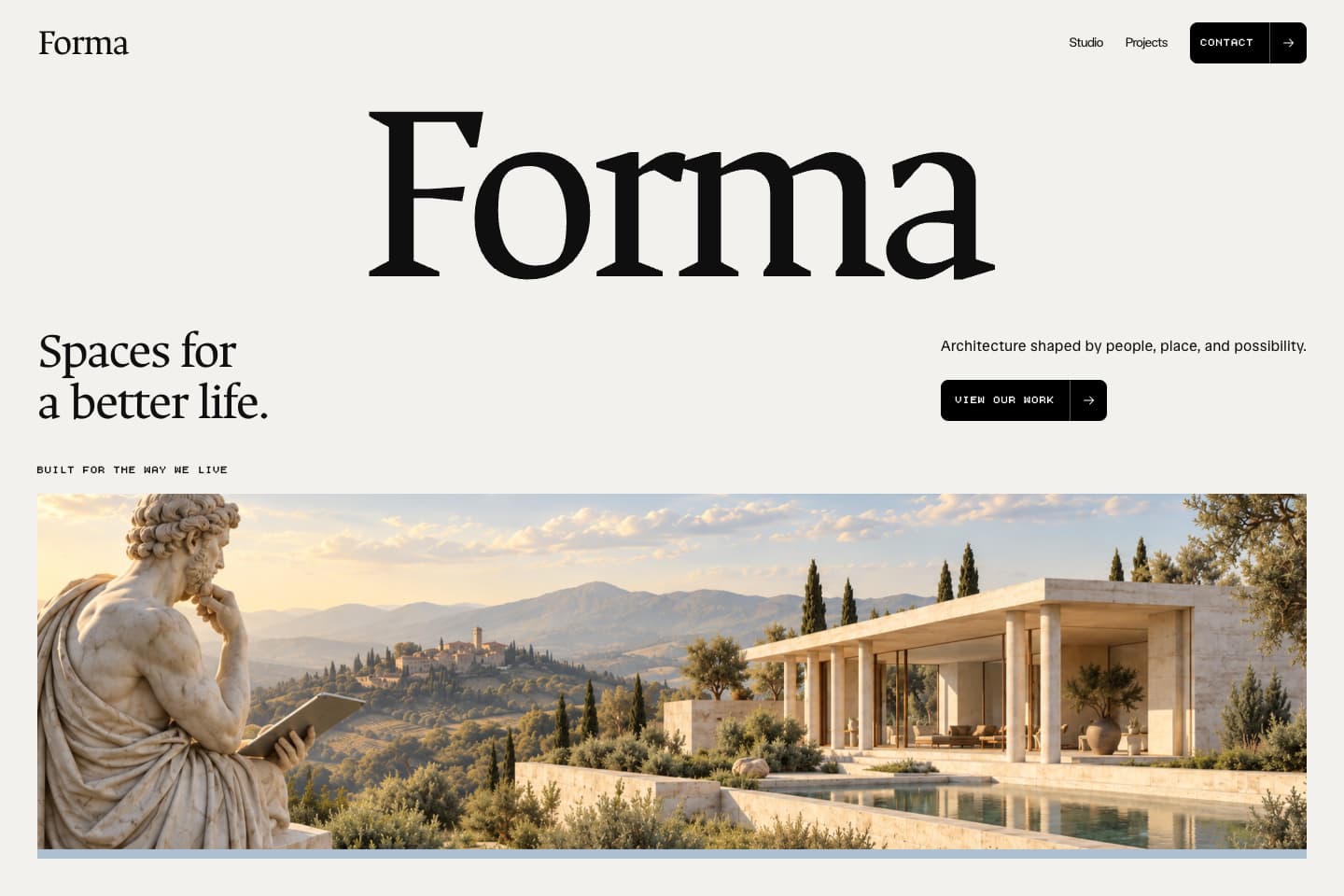
Build your own website with this theme and launch faster.

See this theme in Renaissance AI.

See what's possible

Make it yours.

  1. Download your theme

    Save the design file and image prompts to your computer.

  2. Use the theme

    Give your AI builder the design file and describe your website.

  3. Create your images

    Use the image prompts in your favorite AI image tool.

  4. Bring it all together

    Bring the theme, image prompts, and your images into your favorite builder.

Read the full theme guide

FAQ

Who is this theme for?

Renaissance AI Theme is designed for aI studios, creative technology teams, and design consultancies. Use it when you want design direction for your own page layouts, with consistent colours and typography.

What files are included?

You receive the theme guidelines and matching image prompts as downloadable text files. The guidelines cover colours, typography, spacing, layout, and motion. After purchase, download the files from My account.

The Renaissance AI website template already includes this theme, so you do not need to purchase both.

Can I use this theme with AI or Framer?

Yes. For vibe coding, give the guidelines to your AI website builder and describe what you want to create. In Framer or another visual editor, use the guidelines to apply the colours, fonts, and styling yourself. The theme provides design direction; a Framer Remix link comes with the matching website template. Read the theme guide.

Can I preview the theme before buying it?

Yes. This page shows the colour palette, typography, and button styles, along with examples in See what’s possible. You can view these public previews without signing up. The full guidelines and image-prompt files are delivered after purchase.

Which license do I need for a client website?

A theme purchased on its own covers one finished website for yourself, your business, or one client, including commercial use. Another independent website needs another theme license. When a theme comes with a paid template, it follows that template’s Personal or Commercial License: business promotion, monetization, and paid client work require Commercial. Read the Terms & Conditions for details.

Are hosting, my domain, and paid tools included?

No. Themes are a one-time purchase or a free download, as labelled. Your domain, hosting, paid AI or website-builder plans, and other services are separate. Use our website launch checklist when you are ready to publish.

Can I get a refund?

Digital product sales are final, except where a refund or other remedy is required by law. Review the previews, included files, and licence before buying. If your files are not delivered or do not match the description, contact us through the support route in the Terms & Conditions.