✨ 2 Day Website Launch Challenge✨ 2 Day Website Launch ChallengeJoin waitlist
All themes

Website theme for Interior Design Sill Studio Theme

A free interior design theme with cream and beige surfaces, dark brown projects, a charcoal footer, Instrument Serif typography and pill buttons. Includes measured design guidelines and image prompts.

Free to use. No account or card needed.

See what's possible

What you receive

  • Theme · .md

    Colours, typography, spacing, layout, and motion.

  • Image prompts · .md

    Prompts to create images with a matching look and feel.

theme.md

Sill Studio Theme

Fine serif typography, warm afternoon photography and generous cream surfaces give way to dark brown projects and a charcoal footer.

01 — Foundations

Colour palette

  • Ink

    #27221E

    Hero headlines and primary actions.

  • Cream

    #F6F1E8

    Light hero surfaces and text on brown.

  • Warm accent

    #E7D4BF

    Italic mission copy on dark brown.

  • Brown

    #191411

    The studio and project gallery.

  • Beige

    #E9E0D1

    Process, stages and FAQ backgrounds.

  • Light beige

    #FAF5EB

    The inset services panel.

  • Charcoal

    #292B27

    The revealed footer.

02 — Foundations

Typography

Instrument Serif regular and true italic for expressive headings; Instrument Sans for reading and controls. Values shown are from the 1440px desktop layout. Hero type scales from 58px to 142px; section headings from 56px to 87px. Samples scale to fit this preview.

Hero at 1440pxInstrument Serif · 99px / 400 / 0.88

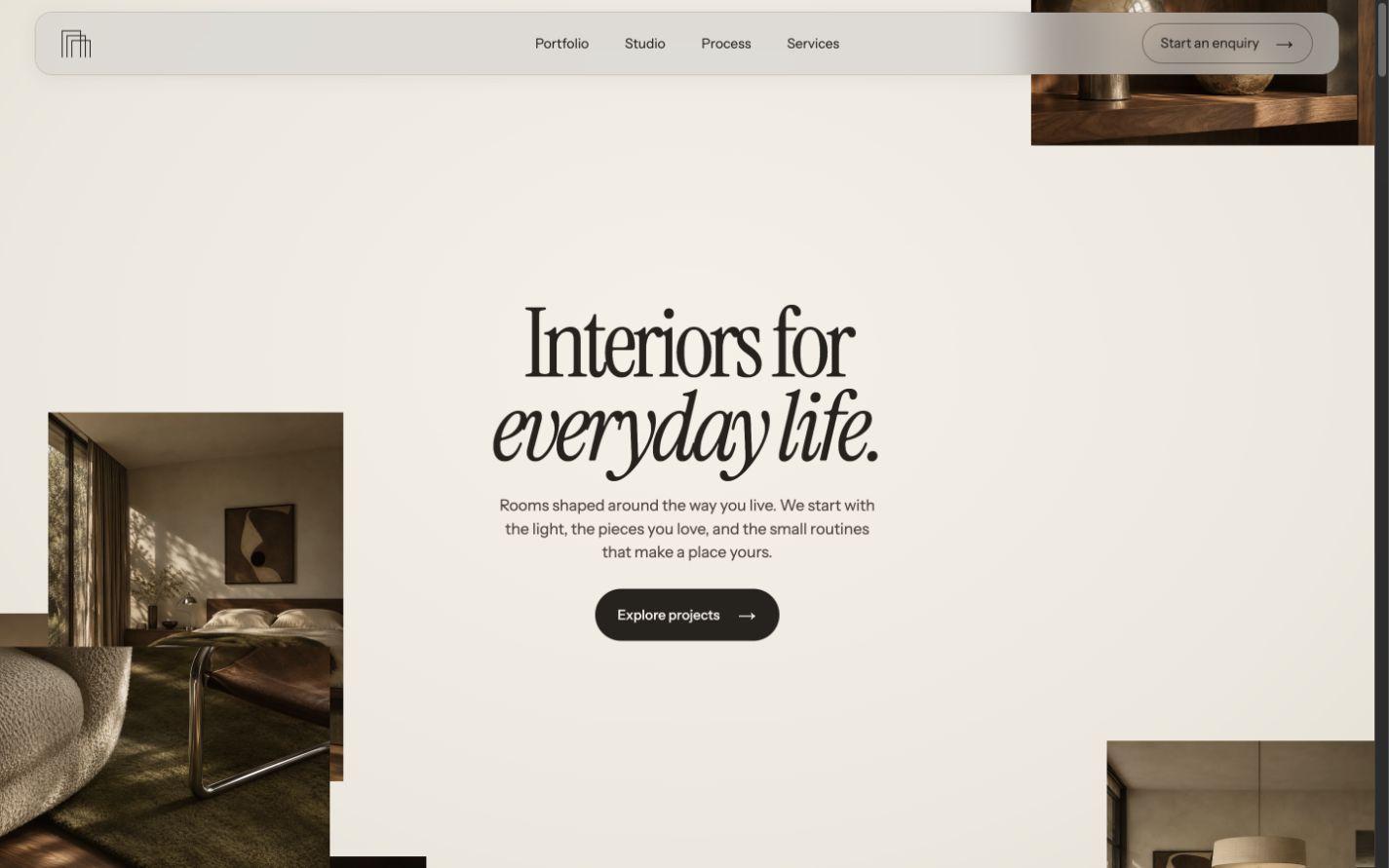
Interiors for everyday life.

Section heading at 1440pxInstrument Serif · 74px / 400 / 1.02

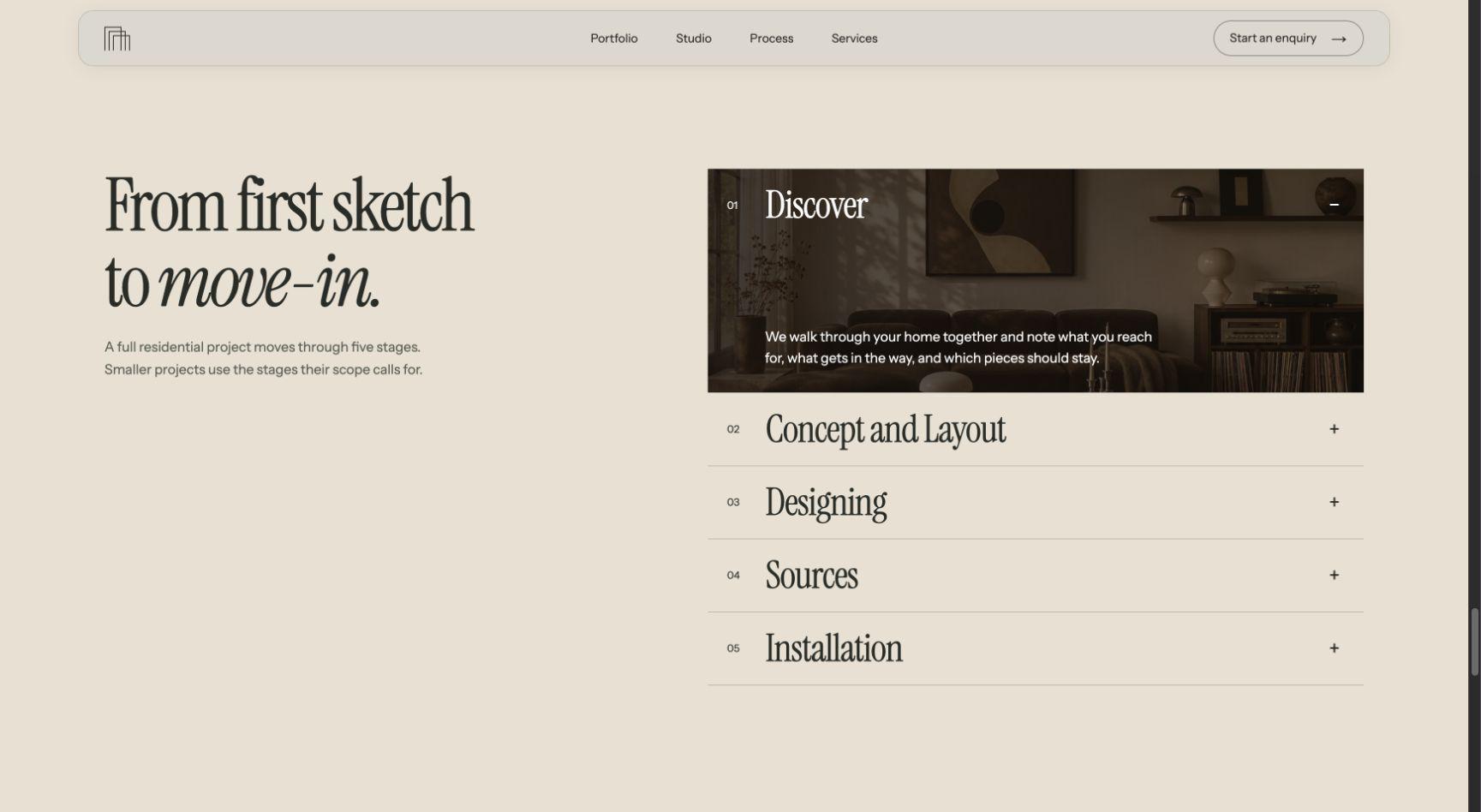
From first sketch to move-in.

Editorial accentInstrument Serif · 47px / 400 / 1.07 · italic

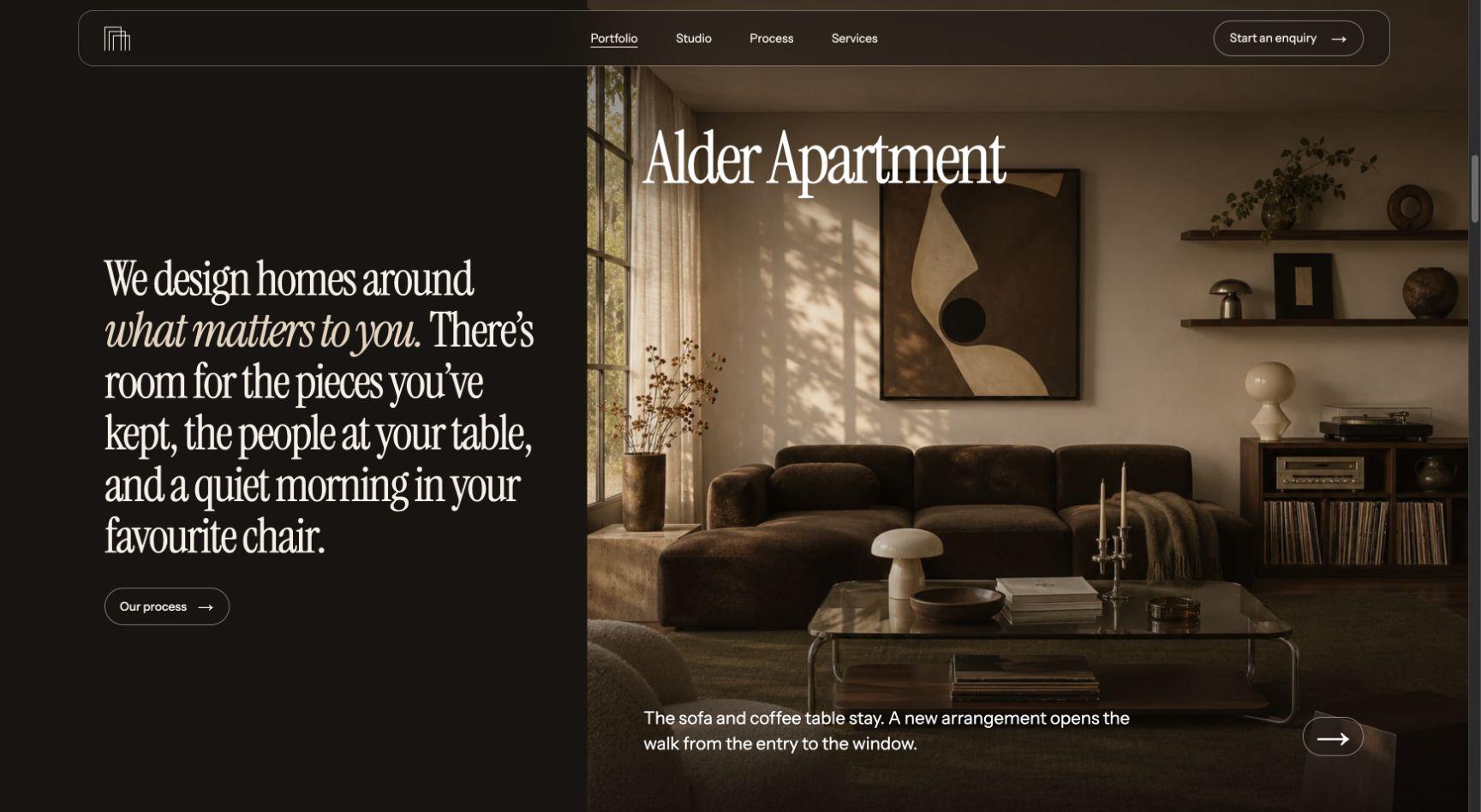
what matters to you.

BodyInstrument Sans · 16px / 400 / 1.65

Rooms shaped around the way you live. We start with the light, the pieces you love, and the small routines that make a place yours.

Navigation and actionsInstrument Sans · 14px / 500 / 1.4

Explore projects

03 — Components

Button variants

Pill buttons with Instrument Sans labels, 14px / 500, and a 44px minimum target. The source uses right-pointing arrows that cycle on hover and keyboard focus.
Primary on dark

Explore projects

Solid fill, pill corners.

Primary on light

Explore projects

Solid fill, pill corners.

Outline on dark

Explore projects

Fine outline, pill corners.

Outline on light

Explore projects

Fine outline, pill corners.

Build your own website with this theme and launch faster.

See this theme in Sill Studio.

Explore the design

  • Hero in the light Sill Studio website
    Sill Studio · Original template
  • Studio and projects in the light Sill Studio website
    Studio and projects
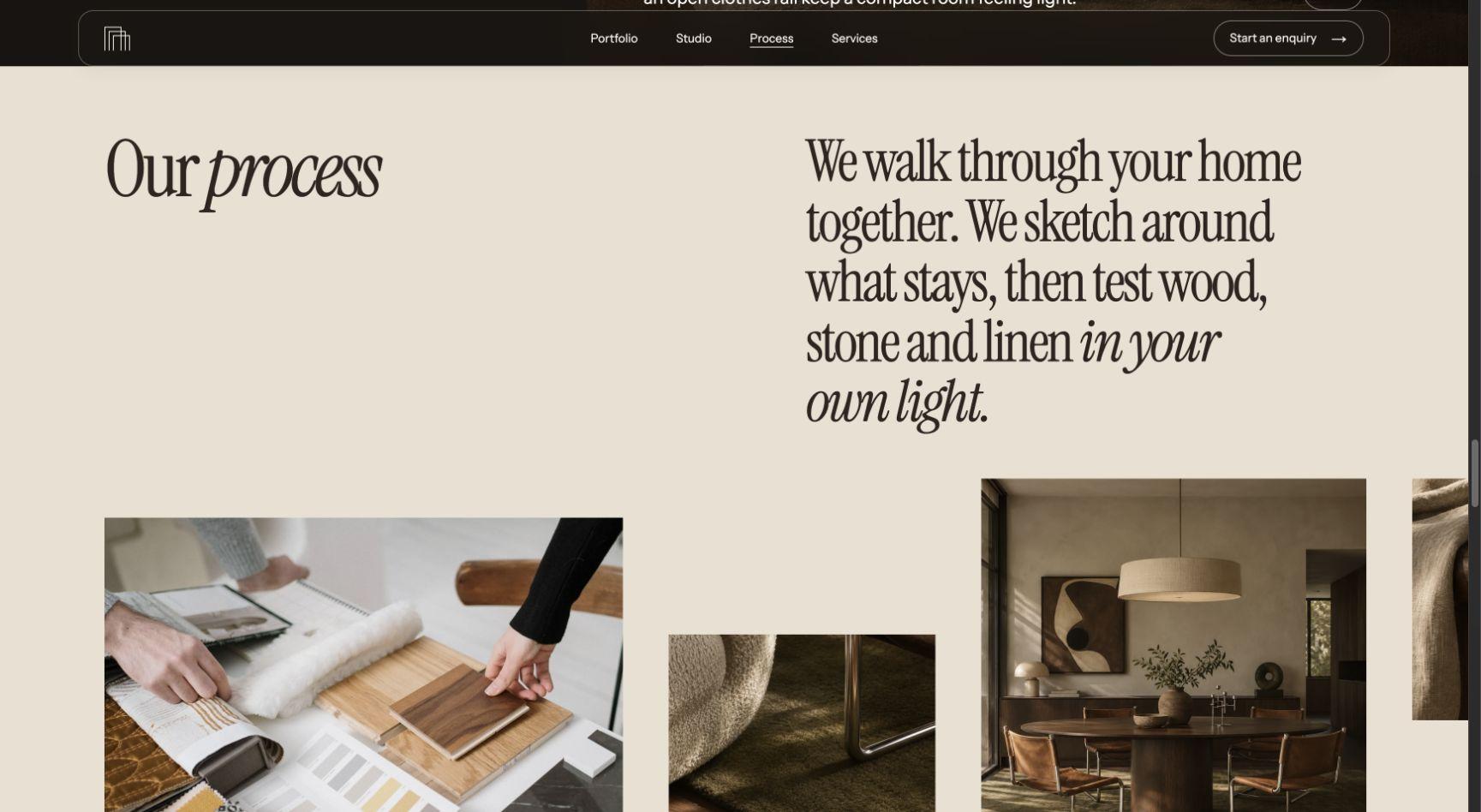
  • Our process in the light Sill Studio website
    Our process
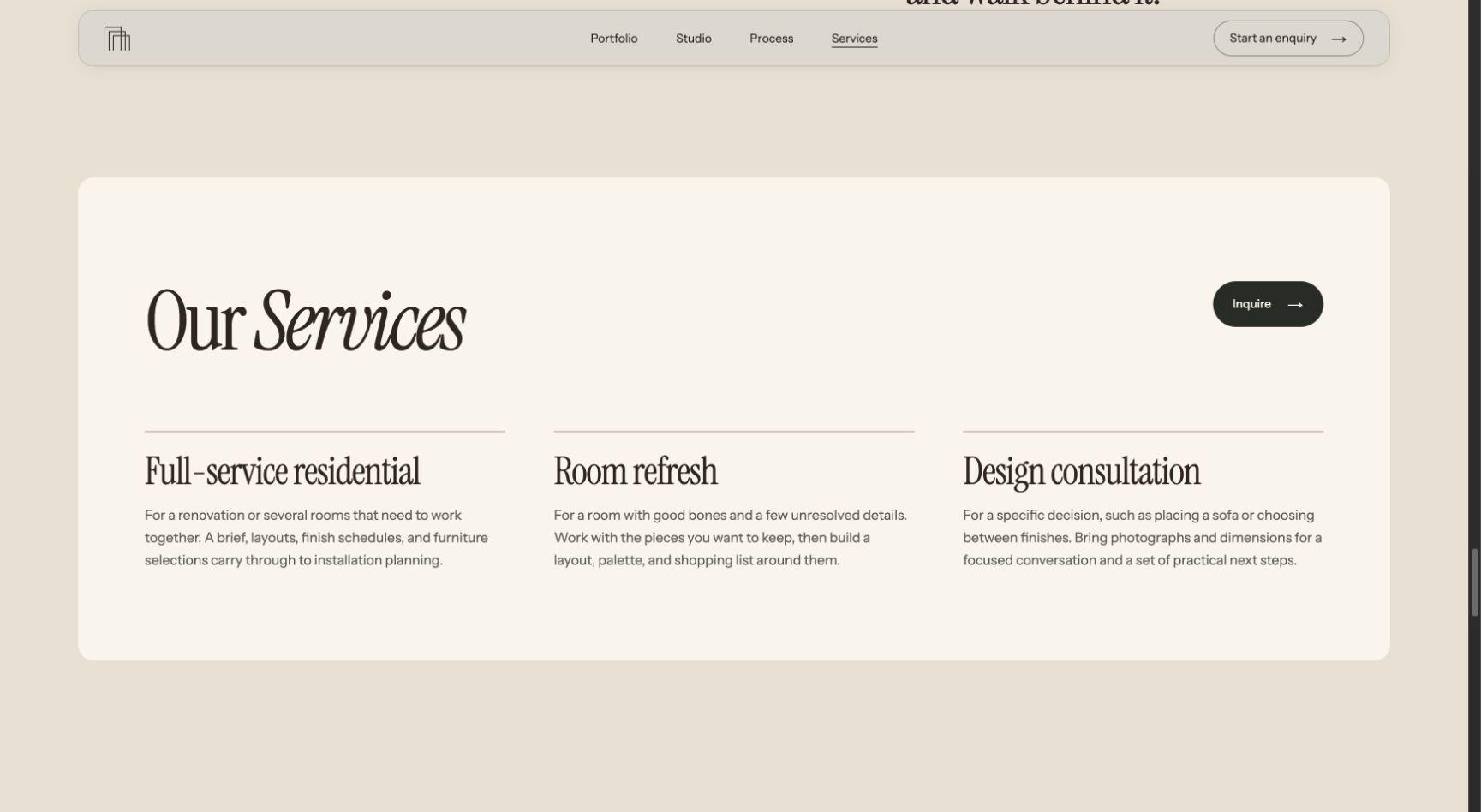
  • Our Services in the light Sill Studio website
    Our Services
  • Project stages in the light Sill Studio website
    Project stages
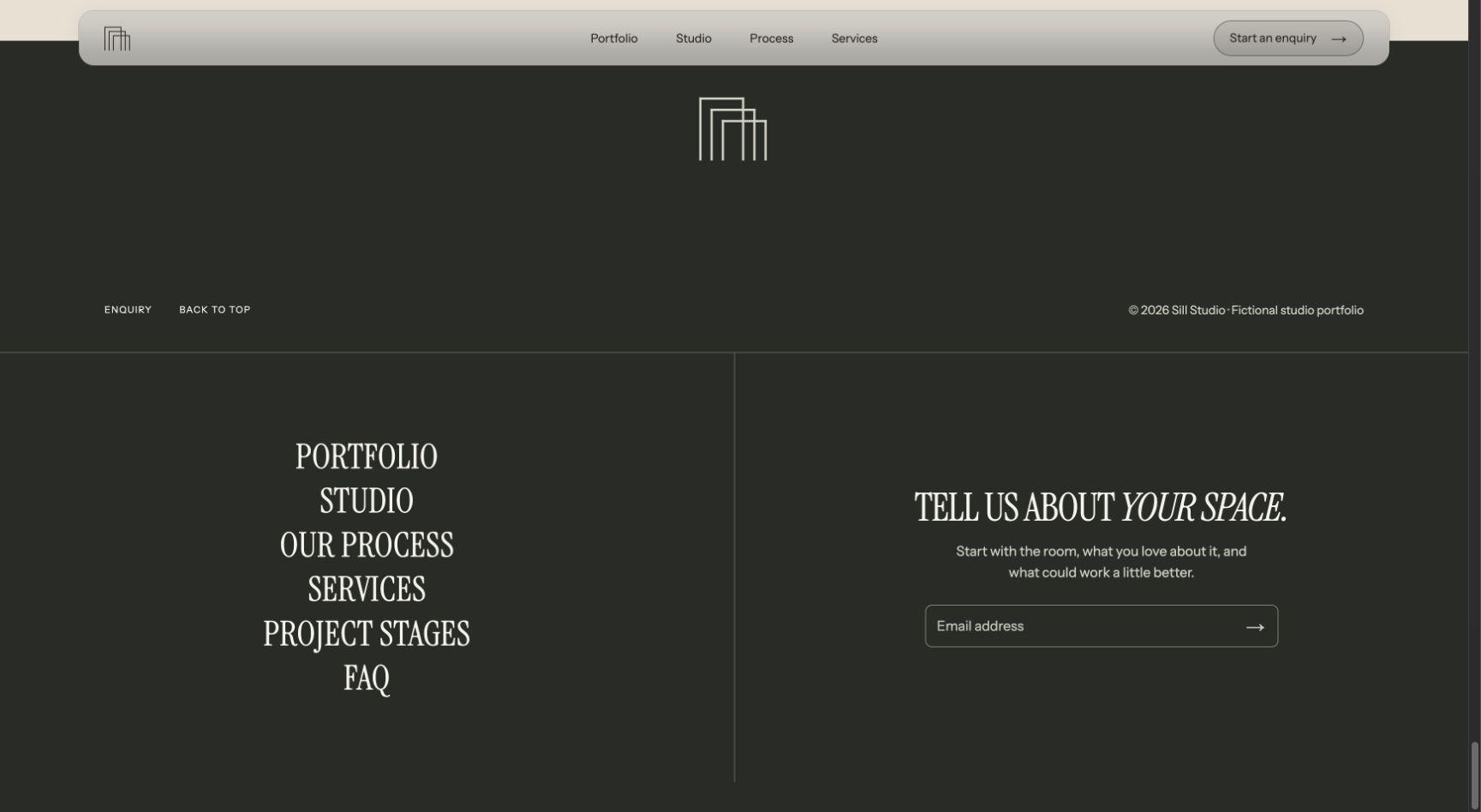
  • Enquiry and footer in the light Sill Studio website
    Enquiry and footer

Make it yours.

  1. Download your theme

    Save the design file and image prompts to your computer.

  2. Use the theme

    Give your AI builder the design file and describe your website.

  3. Create your images

    Use the image prompts in your favorite AI image tool.

  4. Bring it all together

    Bring the theme, image prompts, and your images into your favorite builder.

Read the full theme guide

FAQ

Who is this theme for?

Sill Studio Theme is designed for interior designers, residential studios and architecture portfolios. Use it when you want design direction for your own page layouts, with consistent colours and typography.

What files are included?

You receive the theme guidelines and matching image prompts as downloadable text files. The guidelines cover colours, typography, spacing, layout, and motion. Use Download free theme on this page to get both files in one ZIP. No account or card is needed.

The Sill Studio website template already includes this theme.

Can I use this theme with AI or Framer?

Yes. For vibe coding, give the guidelines to your AI website builder and describe what you want to create. In Framer or another visual editor, use the guidelines to apply the colours, fonts, and styling yourself. The theme provides design direction; a Framer Remix link comes with the matching website template. Read the theme guide.

Can I preview the theme before downloading it?

Yes. This page shows the colour palette, typography, and button styles, along with examples in See what’s possible. You can view these public previews without signing up. The full guidelines and image-prompt files are free to download from this page.

Is this theme free to use?

Yes. Download and use this theme for free, with no account, card, or checkout required. Read the Terms & Conditions for usage and redistribution terms.

Are hosting, my domain, and paid tools included?

No. Themes are a one-time purchase or a free download, as labelled. Your domain, hosting, paid AI or website-builder plans, and other services are separate. Use our website launch checklist when you are ready to publish.