Launch pricing · Grab your template before prices go up.Launch pricing is here.Shop templates
All themes

Website theme for Podcasts Starwave Podcast Theme

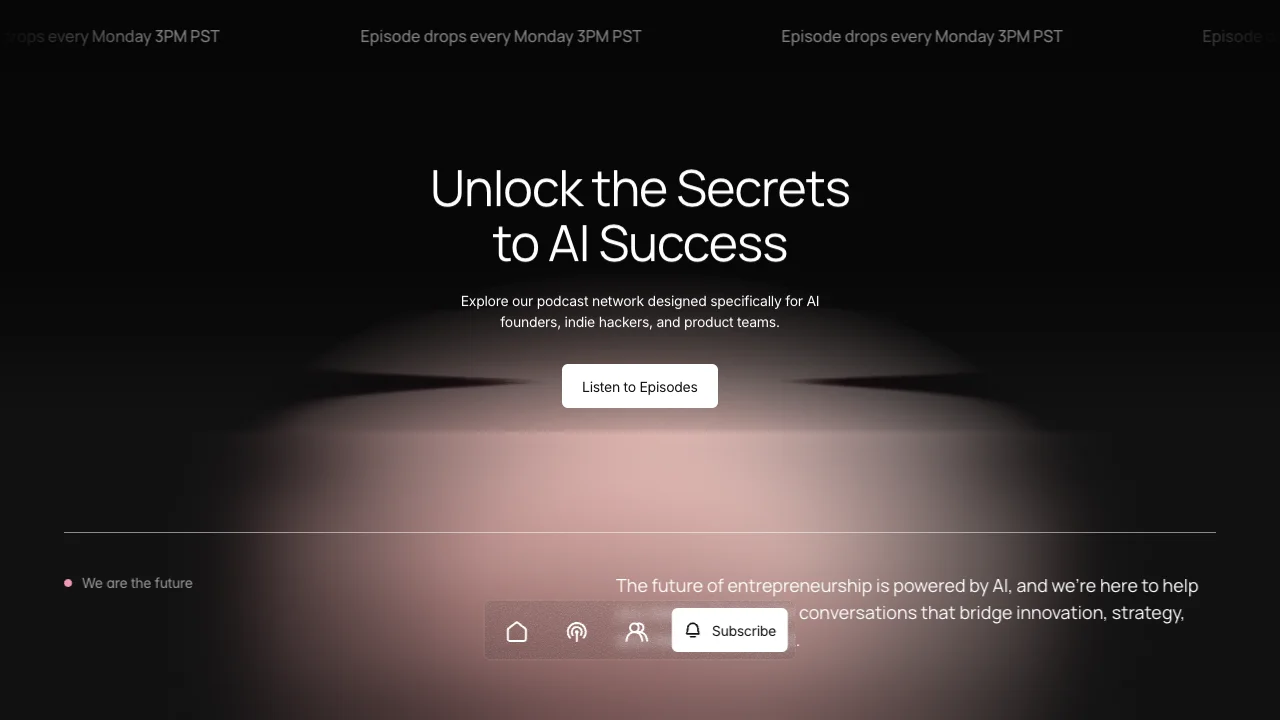
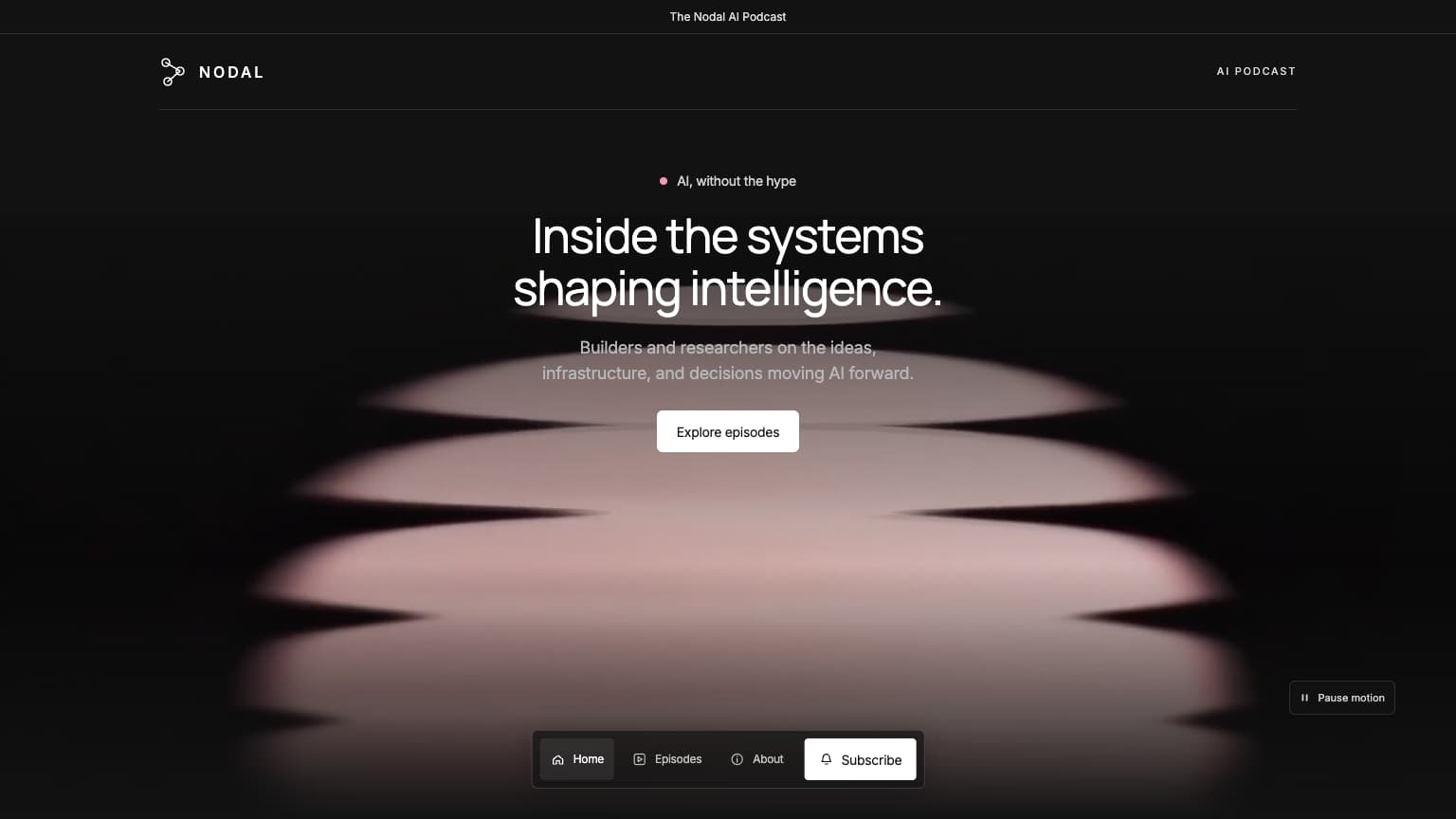
A free podcast website theme with luminous rose imagery and dark editorial layouts. Download design guidelines and image prompts for building with AI.

Free to use. No account or card needed.

See what's possible

What you receive

  • Theme · .md

    Colours, typography, spacing, layout, and motion.

  • Image prompts · .md

    Prompts to create images with a matching look and feel.

DESIGN.md

Starwave Podcast Theme

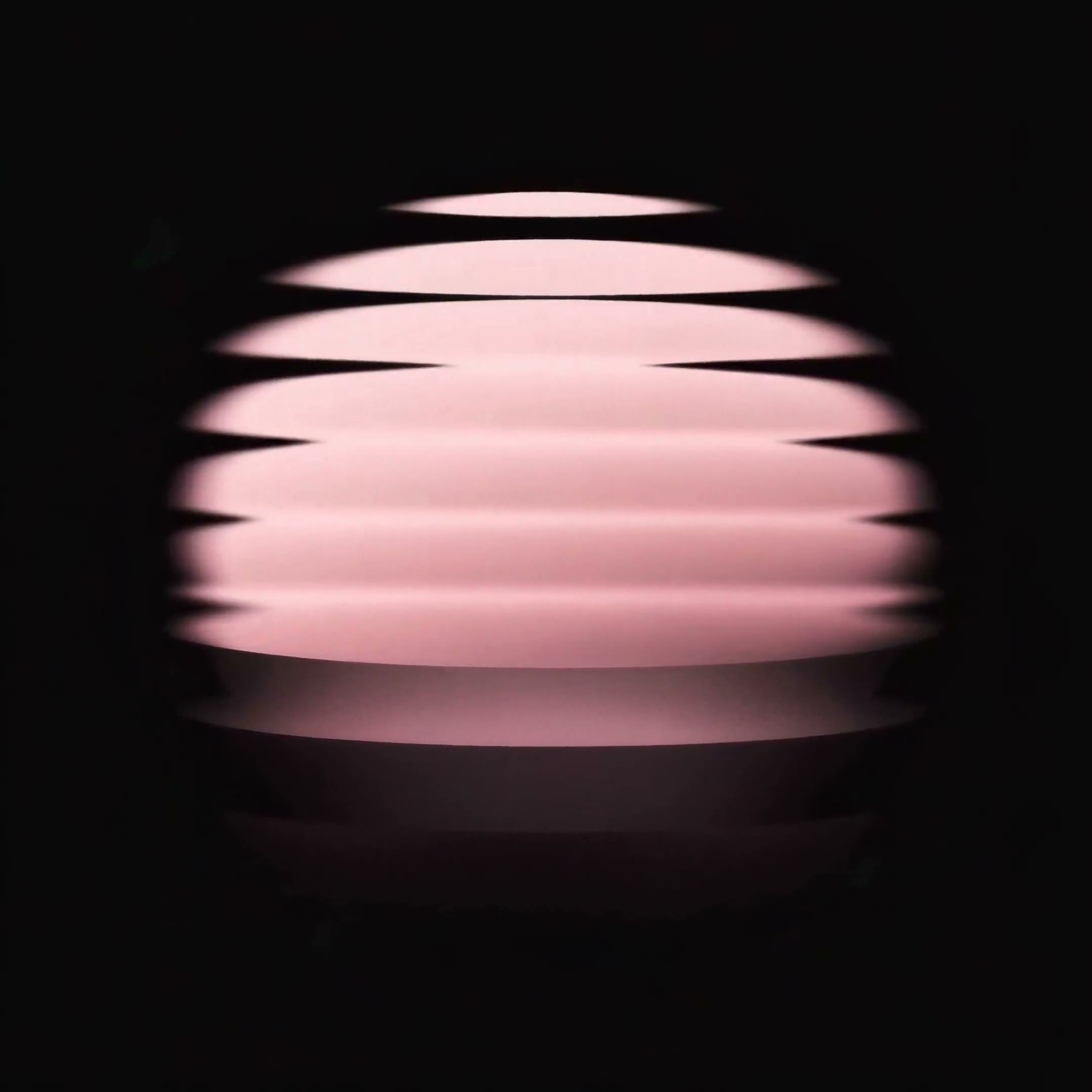
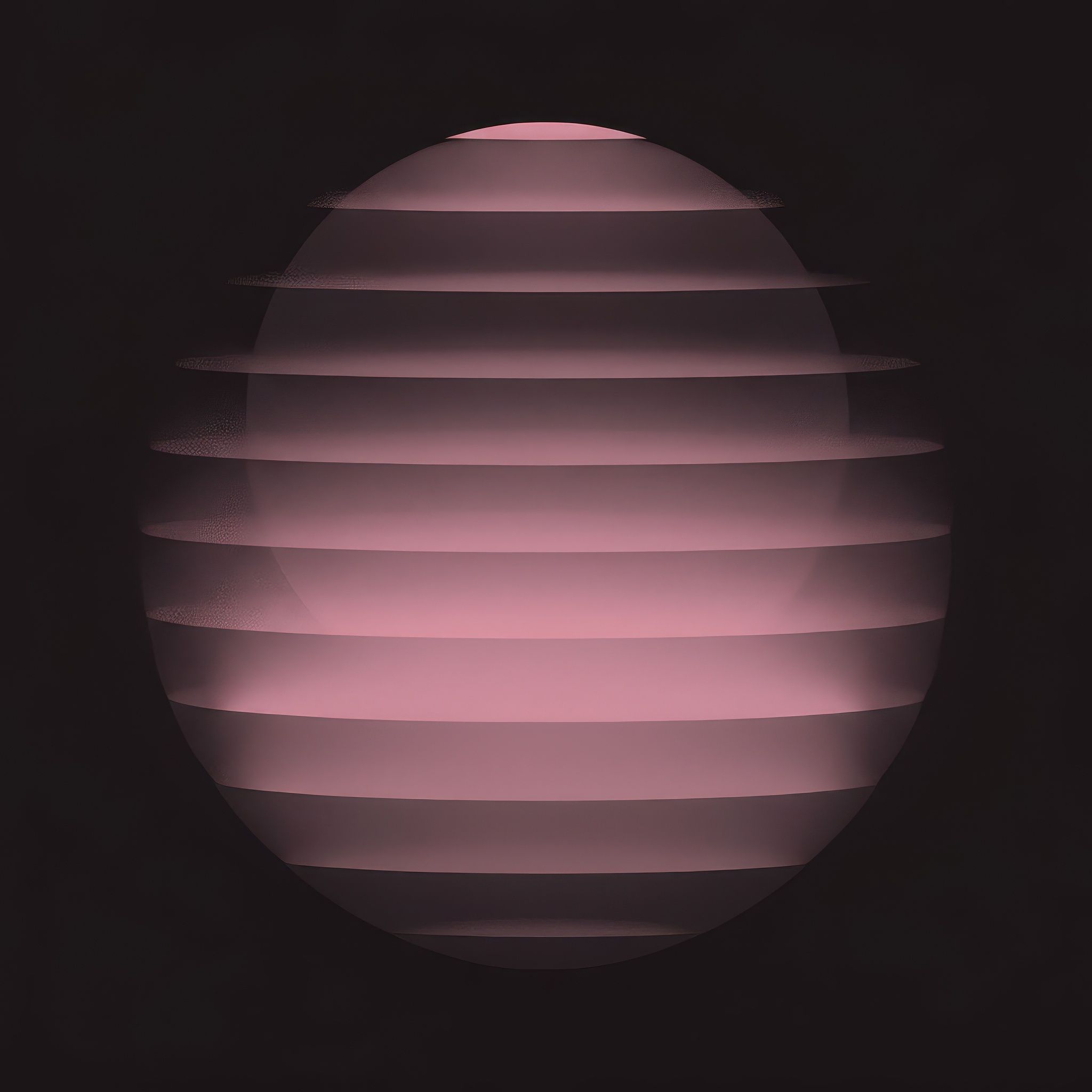
Starwave pairs white Manrope headings and muted Inter copy with a near-black canvas, rose-lit cosmic artwork, compact white buttons and a floating icon dock. Regular Playfair Display is reserved for the 404 numeral.

01 — Foundations

Colour palette

  • Night

    #121212

    The main page canvas.

  • White

    #FFFFFF

    Headings, icons and primary buttons on dark.

  • Rose light

    #F399B3

    Planetary glows, small accents and artwork.

  • Muted copy

    #999999

    Descriptions and supporting text on dark.

  • Deep panel

    #0E0E0E

    Episode summaries and inset reading panels.

  • Raised surface

    #262626

    Supporting dark surfaces and controls.

  • Rose hover

    #643F49

    The deeper brand interaction colour.

  • Tag text

    #E9E7E8

    Small episode category labels.

02 — Foundations

Typography

Manrope for headings; Inter for body copy, buttons and navigation. Playfair Display appears only in the 404 numeral, in regular style. Original sizes are listed; samples scale to fit. Page titles step from 50px to 40px on phone, section headings from 40px to 32px, and body copy from 18px to 16px. Episode headings use 22px on wide screens and 18px below 1600px.

Page titleManrope · 50px / 400 / 1.1

Unlock the Secrets to AI Success

Section headingManrope · 40px / 400 / 1.1

Fuel Your Curiosity. Sharpen Your Mind.

Episode headingManrope · 22px / 400 / 1.3

Strategies for Scaling and Retaining Customers

BodyInter · 18px / 400 / 1.5

Explore our podcast network designed specifically for AI founders, indie hackers, and product teams.

Button labelInter · 14px / 400 / 1.5

Listen to Episodes

Category & navigation labelInter · 12px / 400 / 1

BUILD · Home · Podcast · About

404 numeralPlayfair Display · 140px / 400 / 1

404

03 — Components

Button variants

White primary actions and translucent secondary controls on the dark canvas. Buttons are 44px high with 6px corners and Inter, 14px / 400. The primary episode link has no arrow; the play action is a separate square.
Primary action

Listen to Episodes

White fill, 44px height, 6px corners and 20px side padding.

Secondary action

Learn more

A translucent white surface with a fine outline.

Listen control

A separate 44px square with an 18px play icon.

Form submit

Submit

A centered label in a compact 100 × 44px button.

Build your own website with this theme and launch faster.

See this theme in Starwave Podcast.

See what's possible

Make it yours.

  1. Download your theme

    Save the design file and image prompts to your computer.

  2. Use the theme

    Give your AI builder the design file and describe your website.

  3. Create your images

    Use the image prompts in your favorite AI image tool.

  4. Bring it all together

    Bring the theme, image prompts, and your images into your favorite builder.

Read the full theme guide

FAQ

Who is this theme for?

Starwave Podcast Theme is designed for podcasts, technology publications, and communities. Use it when you want design direction for your own page layouts, with consistent colours and typography.

What files are included?

You receive the theme guidelines and matching image prompts as downloadable text files. The guidelines cover colours, typography, spacing, layout, and motion. Use Download free theme on this page to get both files in one ZIP. No account or card is needed.

The Starwave Podcast website template already includes this theme.

Can I use this theme with AI or Framer?

Yes. For vibe coding, give the guidelines to your AI website builder and describe what you want to create. In Framer or another visual editor, use the guidelines to apply the colours, fonts, and styling yourself. The theme provides design direction; a Framer Remix link comes with the matching website template. Read the theme guide.

Can I preview the theme before downloading it?

Yes. This page shows the colour palette, typography, and button styles, along with examples in See what’s possible. You can view these public previews without signing up. The full guidelines and image-prompt files are free to download from this page.

Is this theme free to use?

Yes. Download and use this theme for free, with no account, card, or checkout required. Read the Terms & Conditions for usage and redistribution terms.

Are hosting, my domain, and paid tools included?

No. Themes are a one-time purchase or a free download, as labelled. Your domain, hosting, paid AI or website-builder plans, and other services are separate. Use our website launch checklist when you are ready to publish.