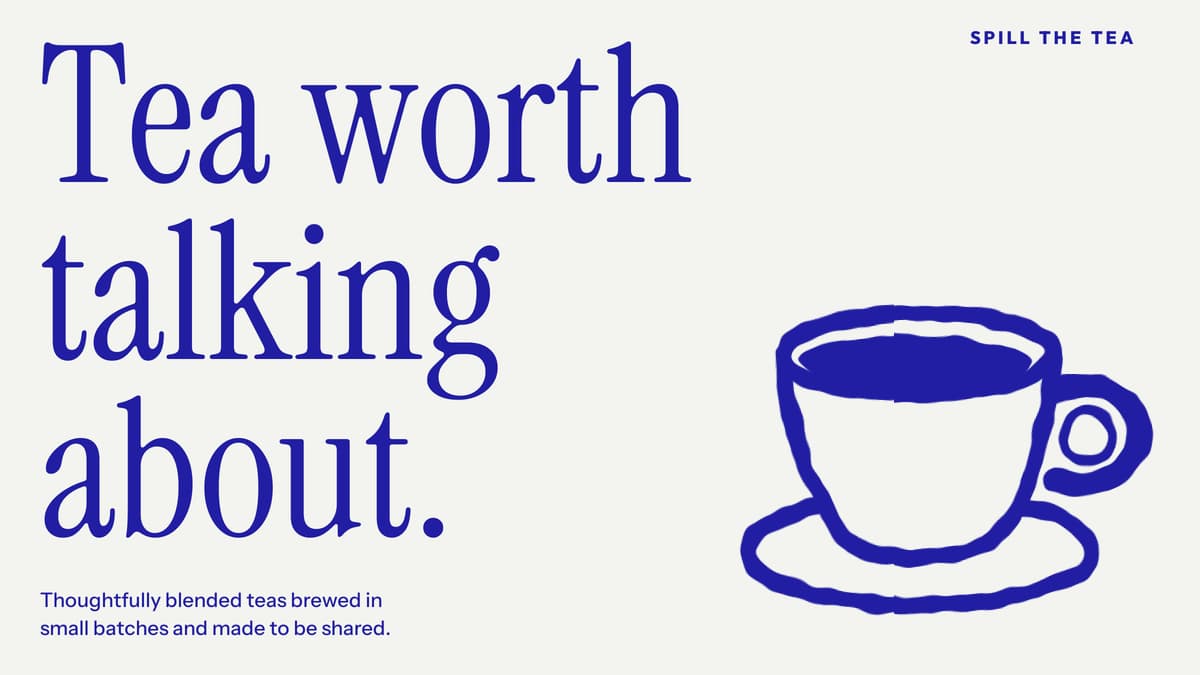
Premium design, backed by experience
Thoughtfully chosen typography, colour and layout give your website a distinctive look, shaped by 13+ years of design experience.
One template, four ways to build. All four options are included, so you can choose what suits your tools, experience and project.
Ready-to-use prompts to recreate the template’s pages in your chosen AI tool.
Use the included typography, colours and styling rules to add new pages that match the template.
Create your own copy of the template, then customise it in Framer’s visual editor.
Source files and assets to rebuild the design with AI. This recreation kit needs adapting before hosting.
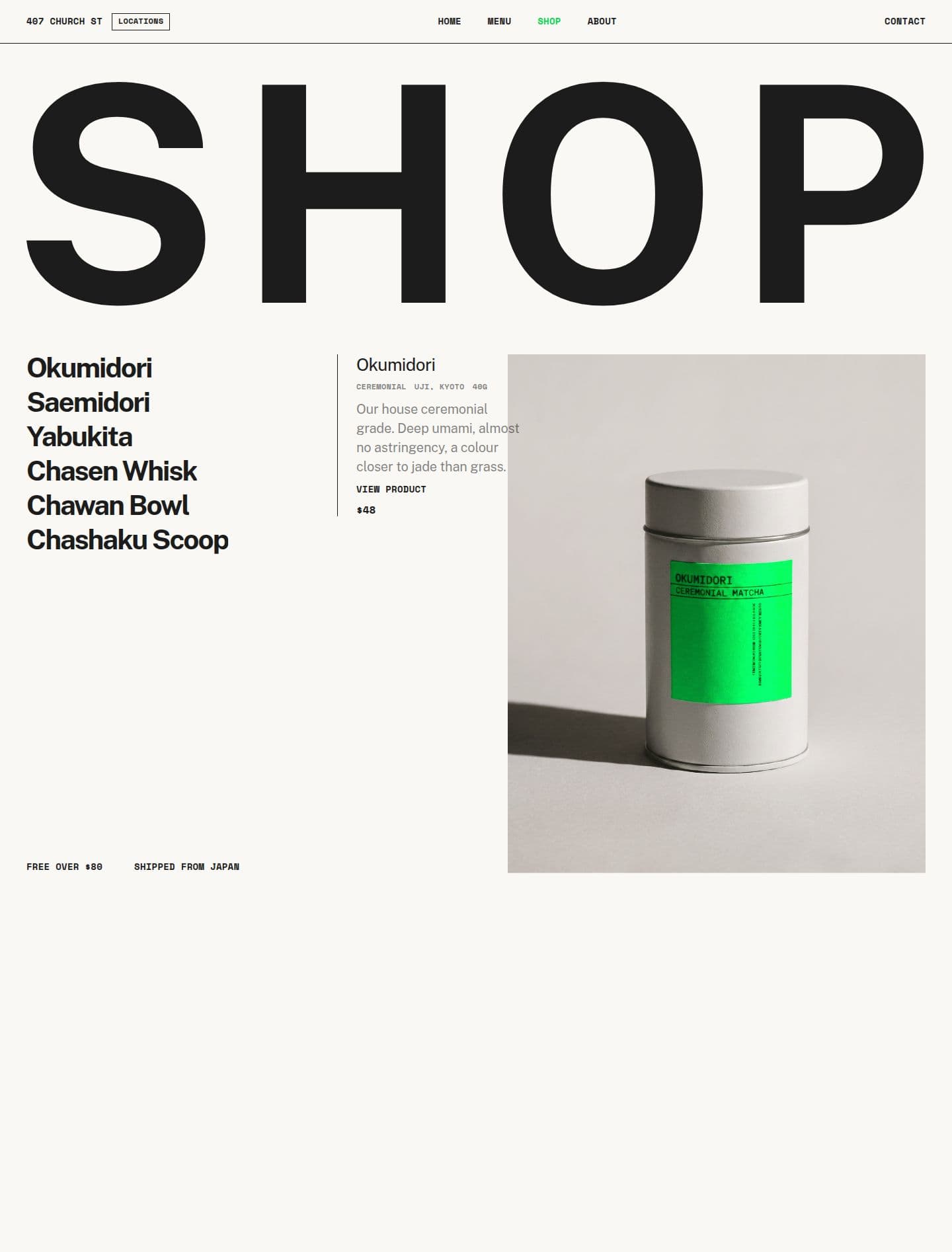
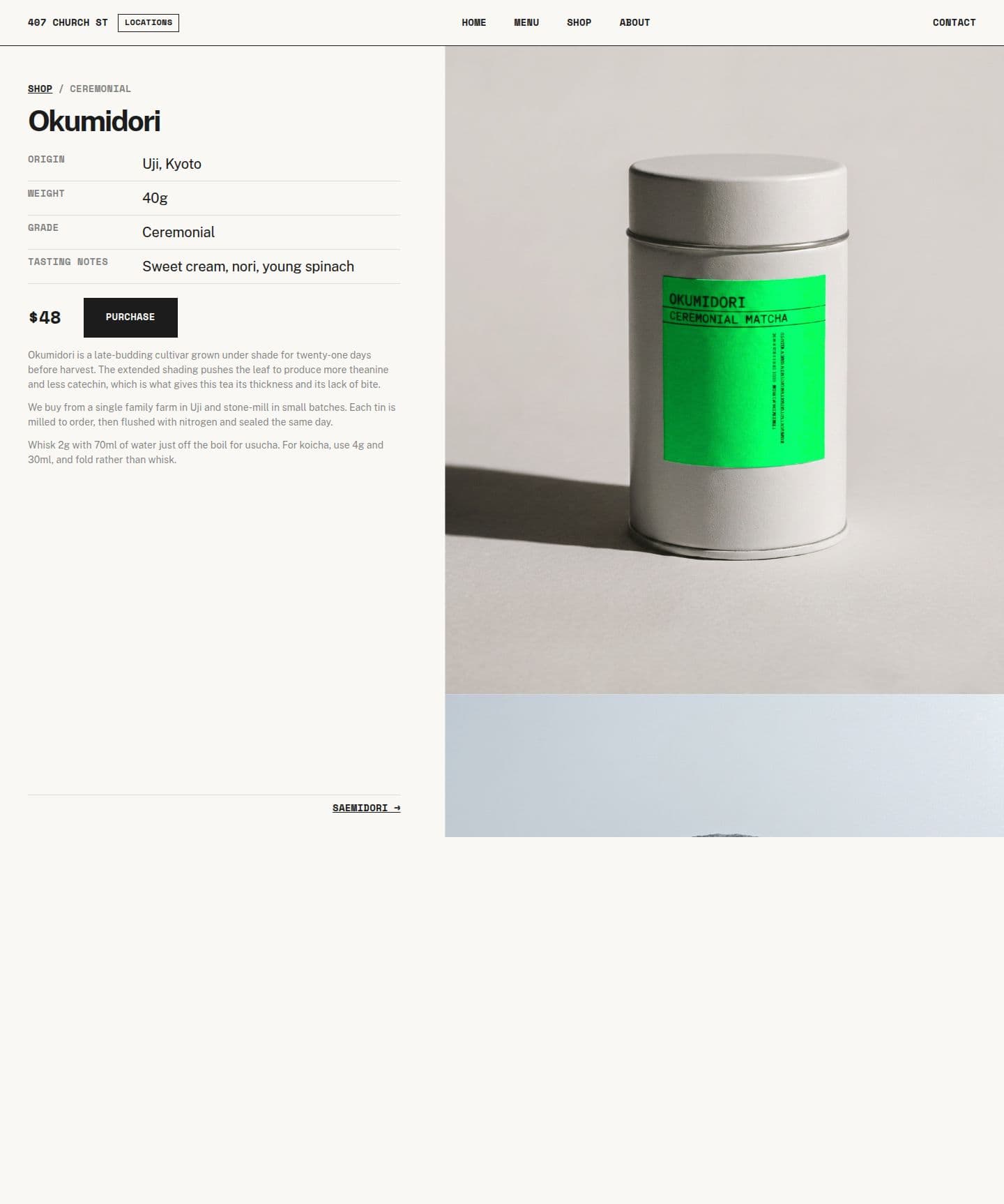
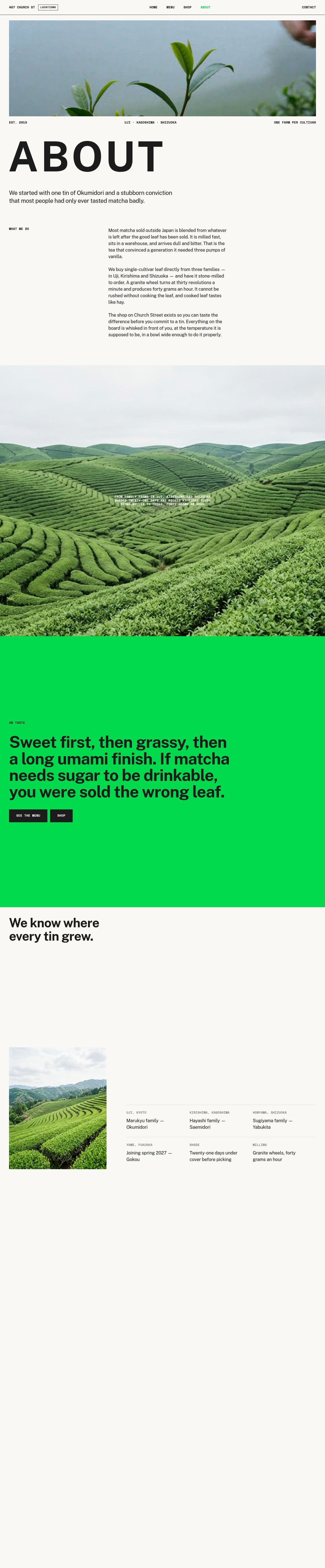
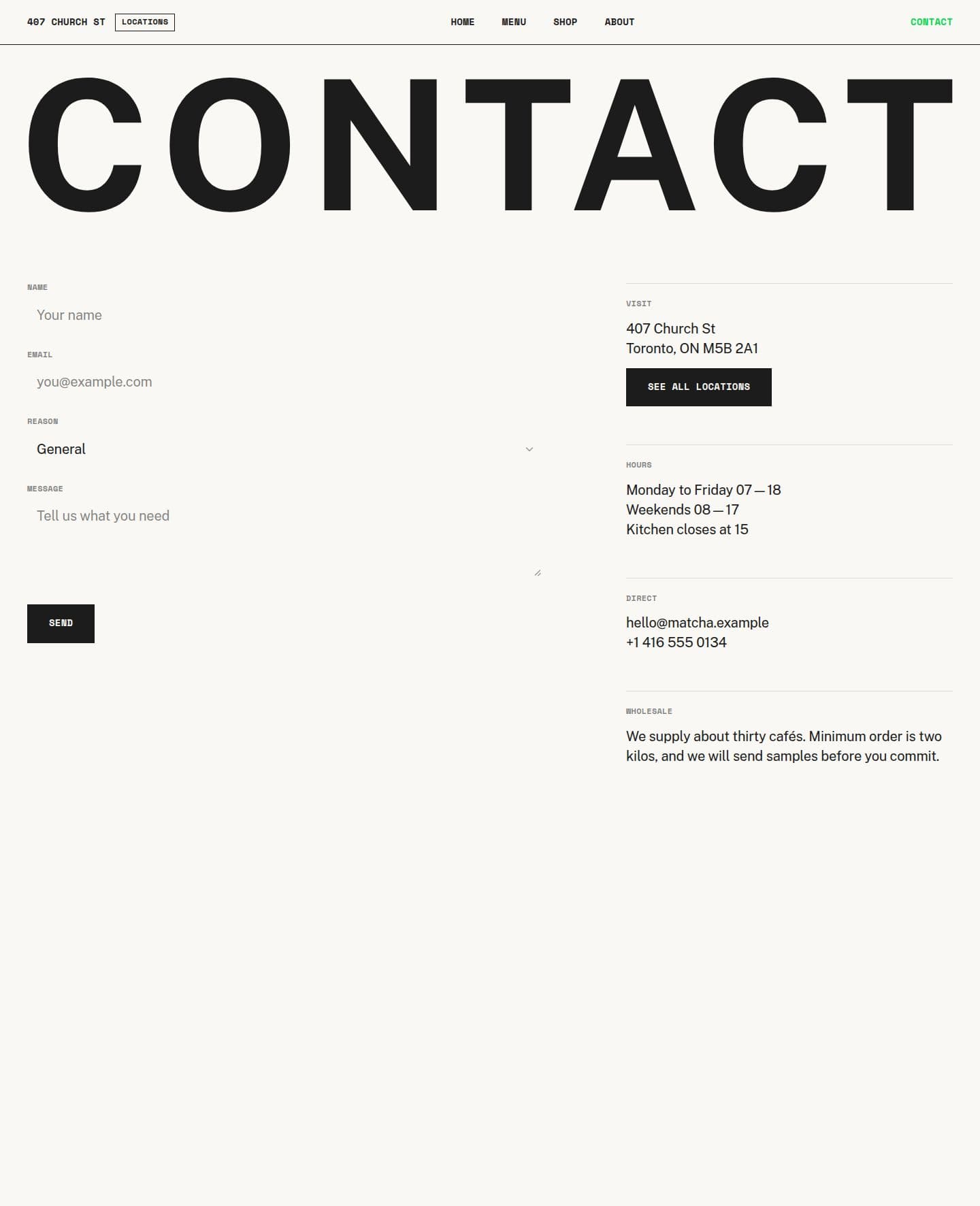
Explore templates tailored to your industry, or choose a theme to build on your own with design direction.
Choose an AI tool (ChatGPT, Claude, Cursor, Replit, v0, Lovable, Base44, and more). Or open it up in Framer using the remix link you’ll receive with your purchase.
Learn moreRefine the fonts, content, and imagery to match your brand and business.
Follow our step-by-step guidesYour website can be ready in as little as a few hours. Connect your domain and publish to give your business a fresh face online.
Why us
Thoughtfully chosen typography, colour and layout give your website a distinctive look, shaped by 13+ years of design experience.
Clear layouts and focused messaging help visitors understand your offer, trust your business and take the next step.
Build a polished website that reflects your brand, fits your business needs and stays within your budget.
Choose your favourite AI tool or a visual tool like Framer. No platform or tool restrictions.
Guides
Our free guides help you make your template or theme your own. No coding experience needed.
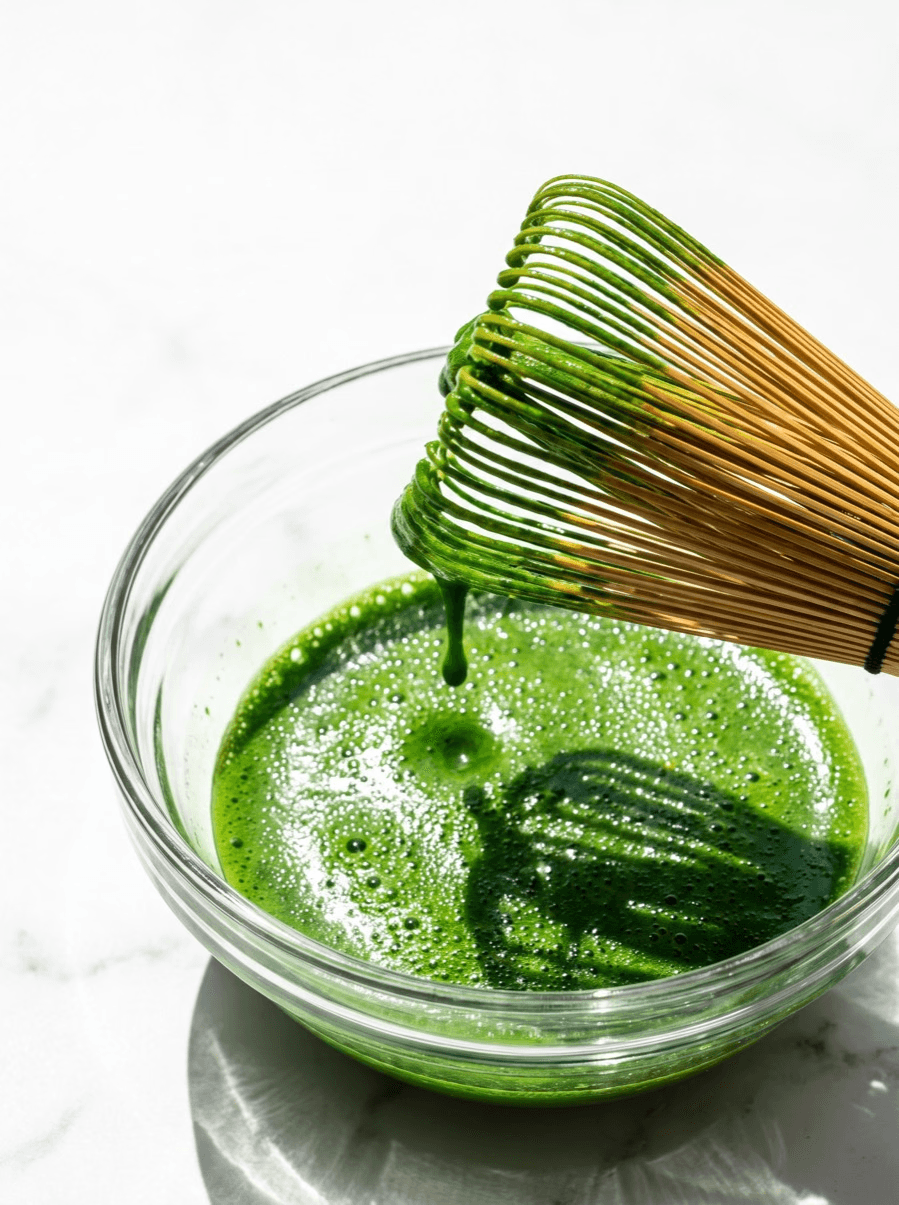
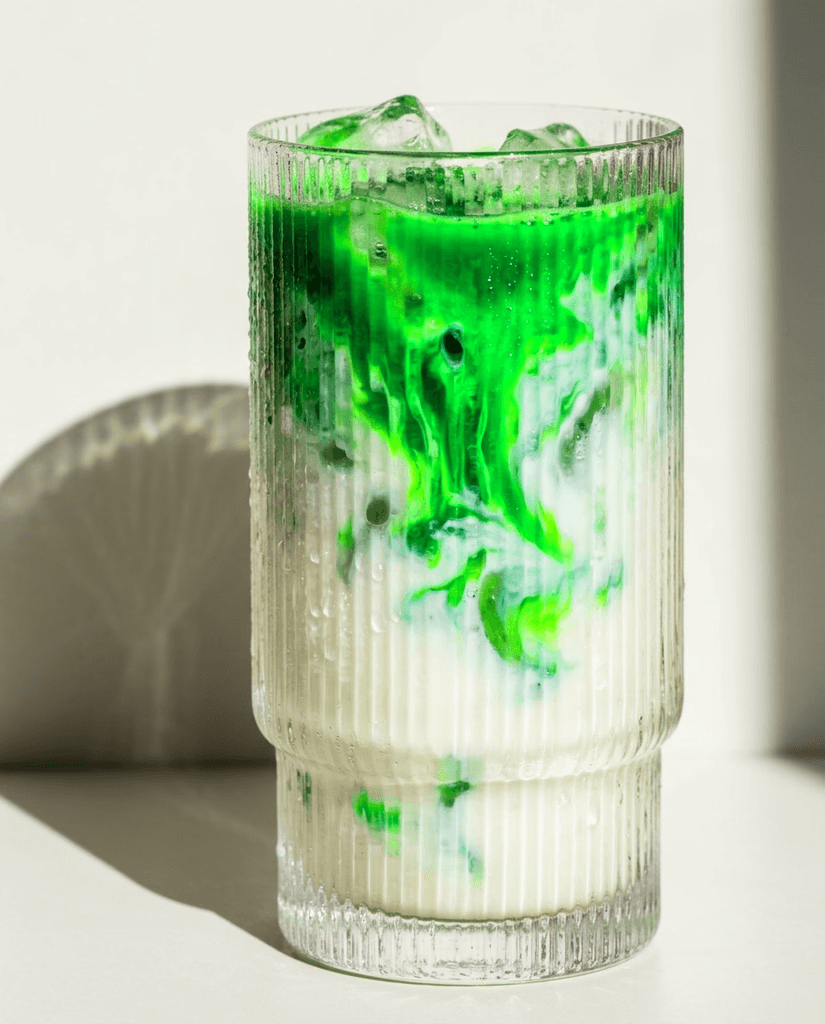
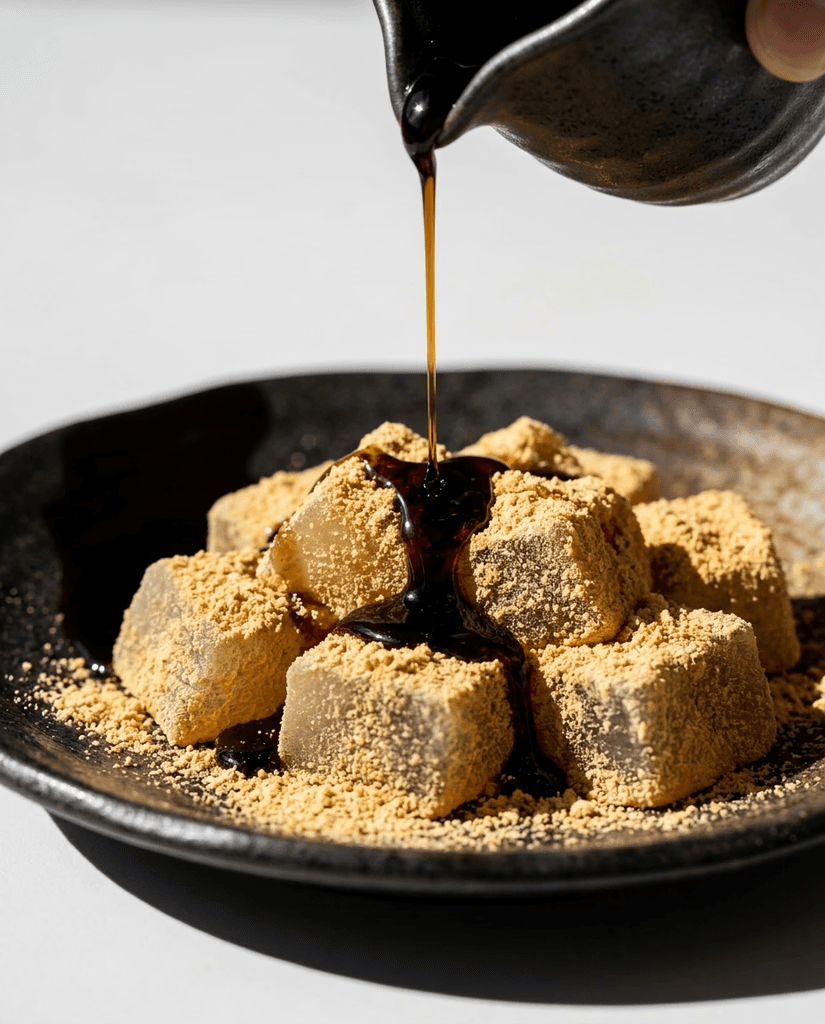

Imagery sets the mood. Use the included prompts to recreate this look and feel for your business.
Flexible tools
Build with your favourite AI tool, including ChatGPT, Claude, v0 or Lovable. Prefer a visual editor? Use Framer. Choose the format that works for you.
Ready-to-use prompts to recreate the template’s pages in your chosen AI tool.
Use the included typography, colours and styling rules to add new pages that match the template.
Create your own copy of the template, then customise it in Framer’s visual editor.
Source files and assets to rebuild the design with AI. This recreation kit needs adapting before hosting.
FAQ
Framer is a visual website builder. Edit text, images and layouts directly on the page and see your changes as you make them.
A Framer Remix link creates your own editable copy of this template in your Framer account, ready to customise.
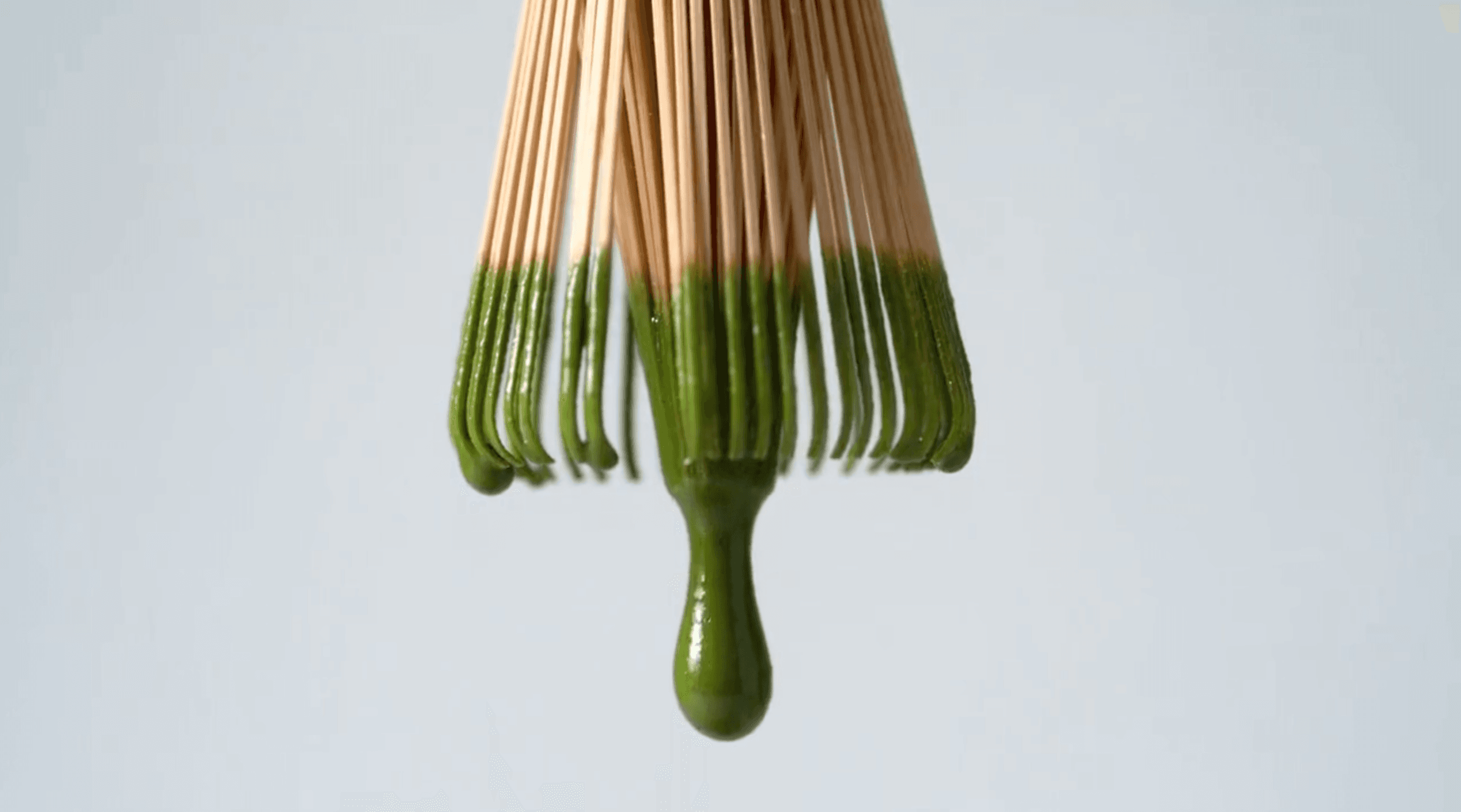
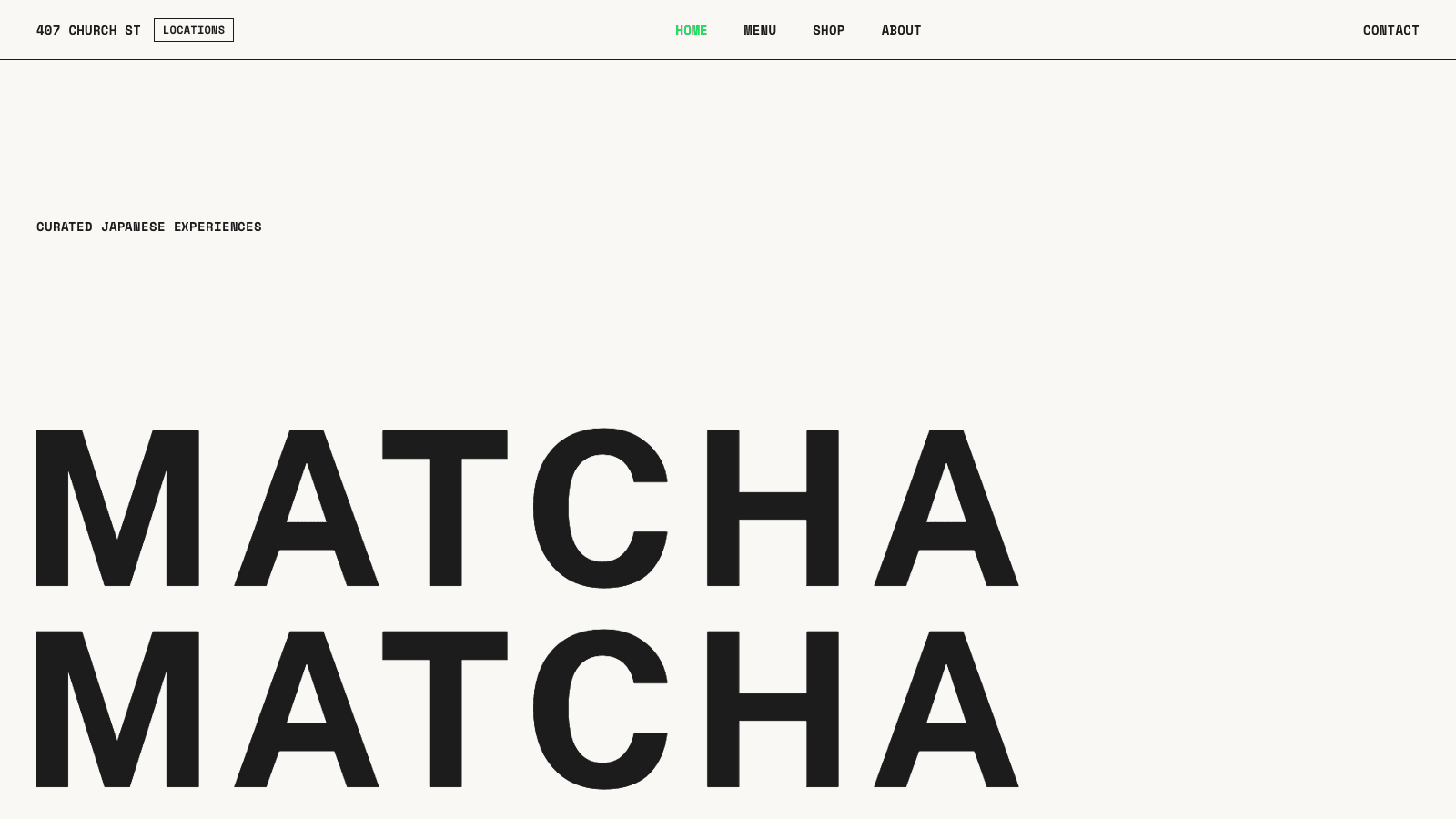
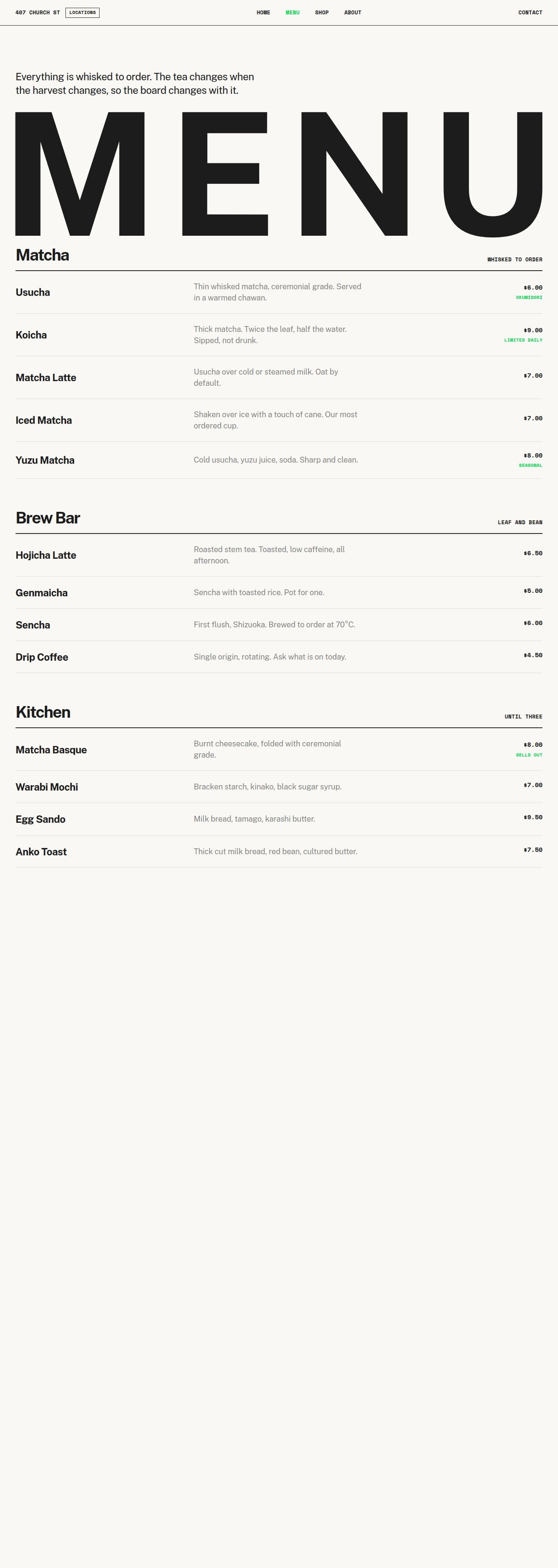
Matcha suits tea brands, cafés, and hospitality businesses that need a menu, product pages, and location information. The source content includes six editable products and four locations, alongside the Japanese tea imagery and animated typography.
The build prompts cover 8 page types: Homepage, Menu, Shop, Product Details, About, Contact, Locations, and Terms & Conditions. Reusable detail-page templates can be populated with your own records. Replace the sample business copy, contact information, and policies before launch.
Matcha includes a Framer Remix link, AI build prompts for 8 page types, the matching theme, and its source and recreation kit. Download 11 verified Framer source files, responsive layouts, motion settings, populated CMS content, eight prompts, theme and assets. This is a source and recreation kit; a finished standalone website is not included.
After purchase, find the files and prompts in My account.
For visual editing, open the Framer Remix link and customise the template in Framer. For vibe coding, give an AI coding tool the included prompts and relevant source files, then ask it to adapt the website to your business. Tools handle files differently; follow the included guidance.
You can start without coding experience, but an AI rebuild still needs review, testing, and publishing. The source kit is a reference for recreating the design, rather than a finished standalone website. See how it works or follow the template guide.
To preview this paid template, sign in or create an account and complete email verification and the no-charge card setup. The live preview opens over this product page. Previewing does not require buying the template.
Personal covers one noncommercial website for a hobby, learning, or a personal project. It excludes business promotion, monetization, and paid client work. Choose Commercial for a business or money-making website, even if you only need one site; it includes unlimited websites using this template. Template + 1:1 Build Session includes Commercial and a private 60-minute session. Read the Terms & Conditions for the license details.
No. Hosting, your domain, paid Framer or AI plans, and any business services you connect are separate. Review your chosen tool’s publishing options and work through the website launch checklist before going live.
Because this is a digital product, all sales are final and we don’t offer refunds, except where required by law. View our Terms & Conditions.